Kling 4.0
Generate or edit 3–30 second videos with ordered keyframes and image or video references at 720p or 1080p.
Kling AI · In Omnipix
Thirty seconds. One generation.
Start with a seed in her palm and end on a tree in the desert. Kling 4.0 turns text, keyframes and references into up to 30 seconds of video, and edits the footage you already have.
3–30 sec
in one generation
720p · 1080p
16:9 to 21:9
10 images · 5 videos
as references
One generation. Five keyframes. Three shots.
01 / Keyframes
A seed in her palm, the greenhouse aisle, the open door, the planting, the view from above. Kling 4.0 filled in everything between them in one 30-second generation and cut it into three shots. Scroll to move through it.

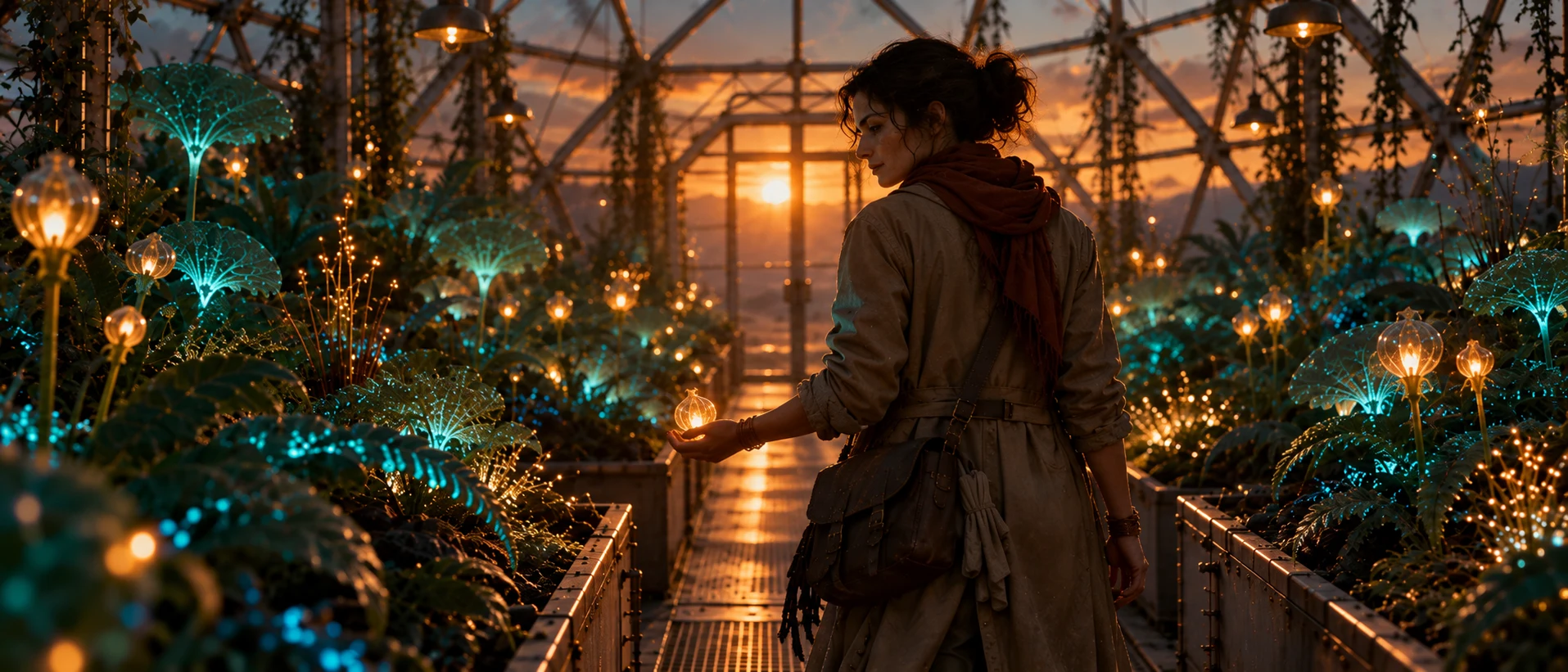
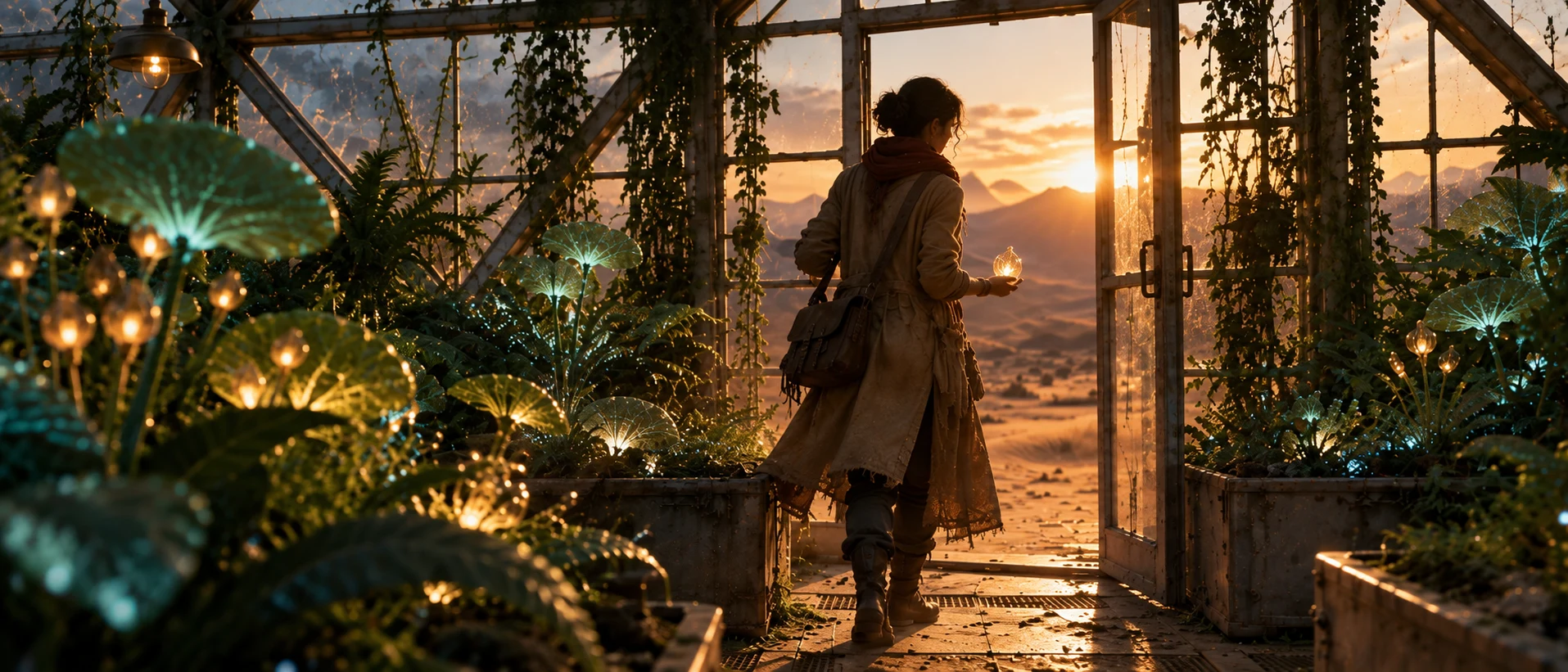
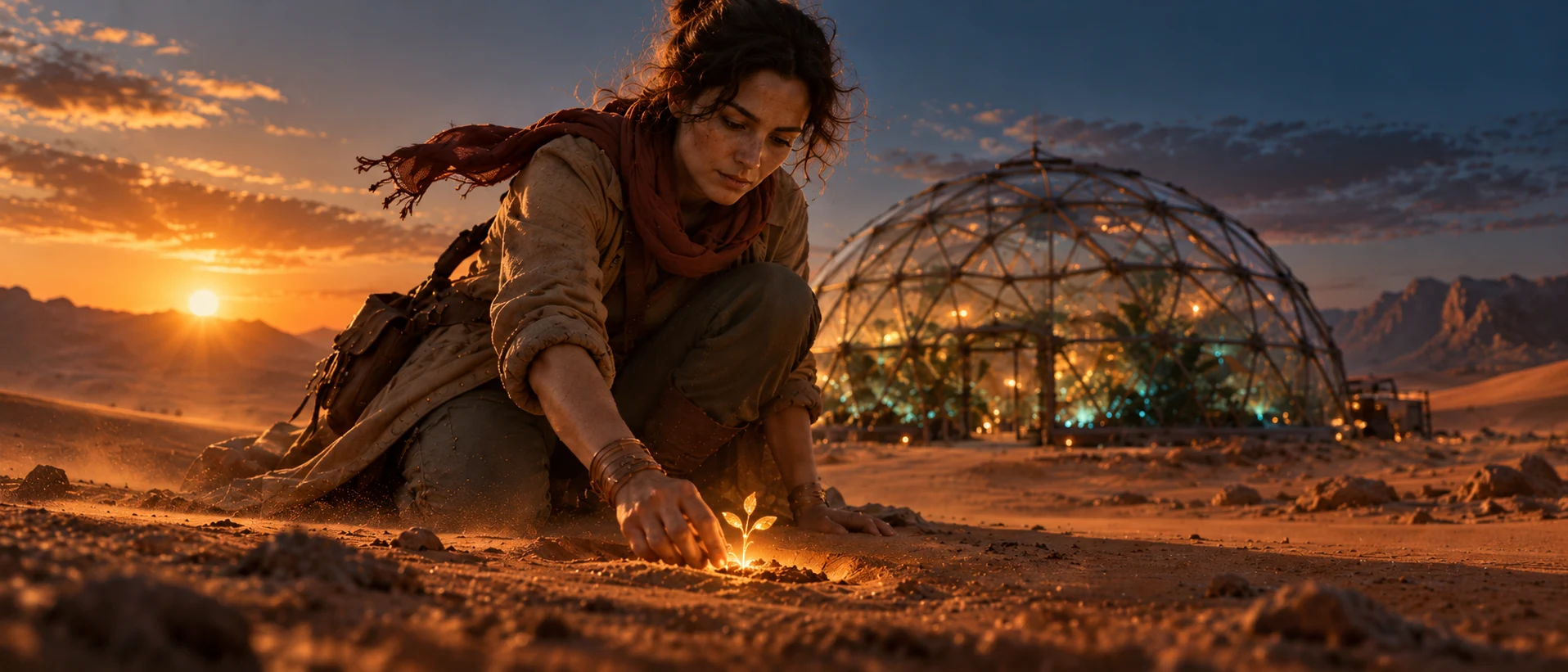
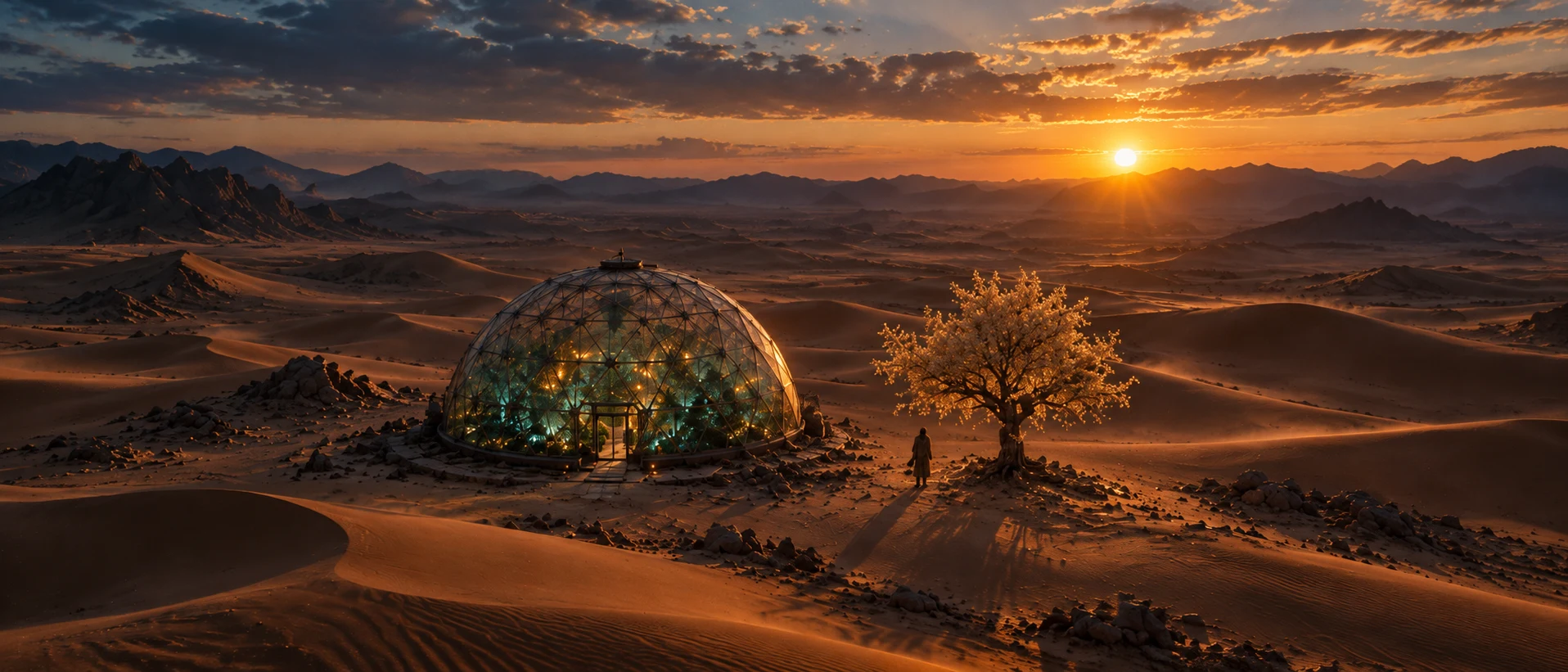
One continuous single take with no cuts, cinematic, anamorphic look, natural colour. The woman is @image_6: keep her face, dark curly hair, rust-red scarf, sand-coloured canvas coat, leather satchel and copper bracelets identical throughout. 0–7 s: Extreme close-up of her open palm holding the glowing amber seed; its light pulses gently. The camera slowly pulls back and rises as she closes her fingers around the seed, turns away and starts walking down the greenhouse aisle. 7–14 s: The camera follows behind her at shoulder height as she walks between raised beds of bioluminescent plants. Teal fronds sway as she passes, glowing pollen drifts through the warm light. She glances left at the plants, the seed held out at her side. 14–21 s: She reaches the glass door at the end of the aisle and pushes it open; hot orange sunset light floods in and dust swirls in the beam. The camera follows her out onto the sand, then swings low around in front of her as she kneels. 21–30 s: She presses the seed into the sand. A thread of amber light rises, and a sapling bursts upward and grows quickly into a full tree with glowing amber blossoms. The camera rises smoothly into a high aerial view revealing the glass dome, the glowing tree and her small figure among endless dunes at sunset. Steady, fluid camera. Realistic motion of sand, cloth and hair.
02 / References
Add up to ten images and name each one in the prompt. The gardener, the greenhouse and the blossom become a new shot that keeps all three.
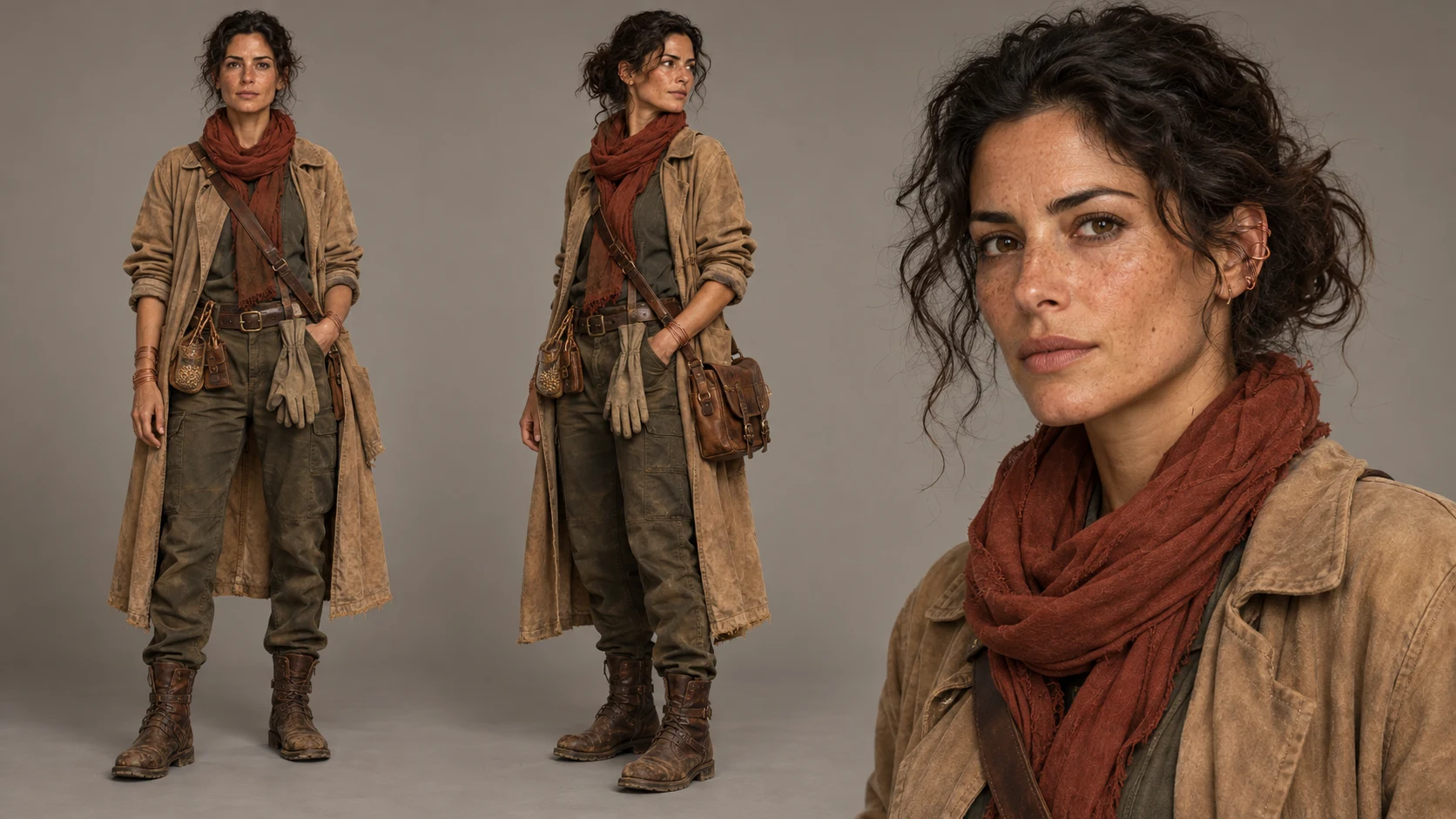
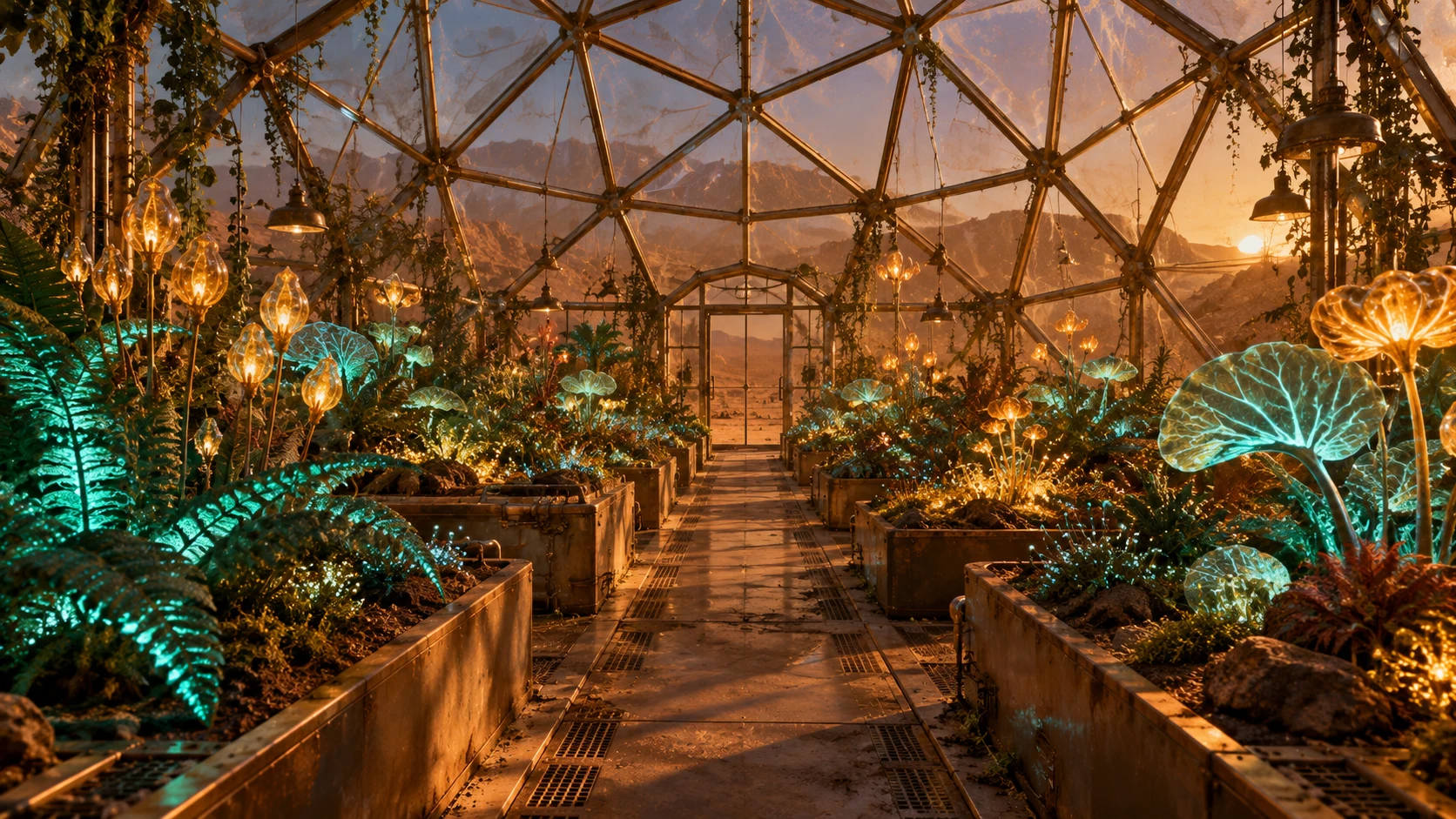

The prompt
The woman from @image_1, with the same face, hair and clothing, kneels beside a raised bed inside the greenhouse from @image_2. She cups the glowing amber blossom from @image_3 in both hands and lifts it toward her face; the blossom opens and releases a cloud of glowing pollen that drifts past her. Slow orbit camera moving from her side to her front. Teal and amber light, natural colour, cinematic.
03 / Edit
Give Kling 4.0 an existing clip and describe the change. The edit keeps the clip’s length and framing: her movement and the camera stay the same while the desert turns to snow.
The prompt
Change the weather in @video_1: it is now snowing heavily. Snowflakes fall through the whole scene, the dunes and the glass dome are dusted white, the sky is an overcast pale grey-blue, and her breath is visible in the cold air. Keep the woman, her actions, the glowing seed and tree, the dome and the camera movement exactly as in @video_1.
Your next move
Open a version to see its current settings and generation price.
Choose 3 to 30 seconds per generation at 720p or 1080p. When you edit a video, the result keeps the length and aspect ratio of the clip you supply.
Text-only generations support 16:9, 9:16, 1:1 and 21:9. With keyframes or a video to edit, the inputs set the shape of the result.
Add a start image, ordered middle images and an end image. Kling 4.0 moves through them in order; describe in the prompt what happens between them.
Up to 10 images and up to 5 videos per generation. Each input video is 3–30 seconds and all input videos together are at most 30 seconds. Refer to them in the prompt as @image_1, @video_1 and so on: images are numbered start, middle, end, then references; videos start with the clip you edit.
The workspace shows the price before you generate. Kling 4.0 is priced per second of video by resolution, with a separate rate when a video is part of the input.
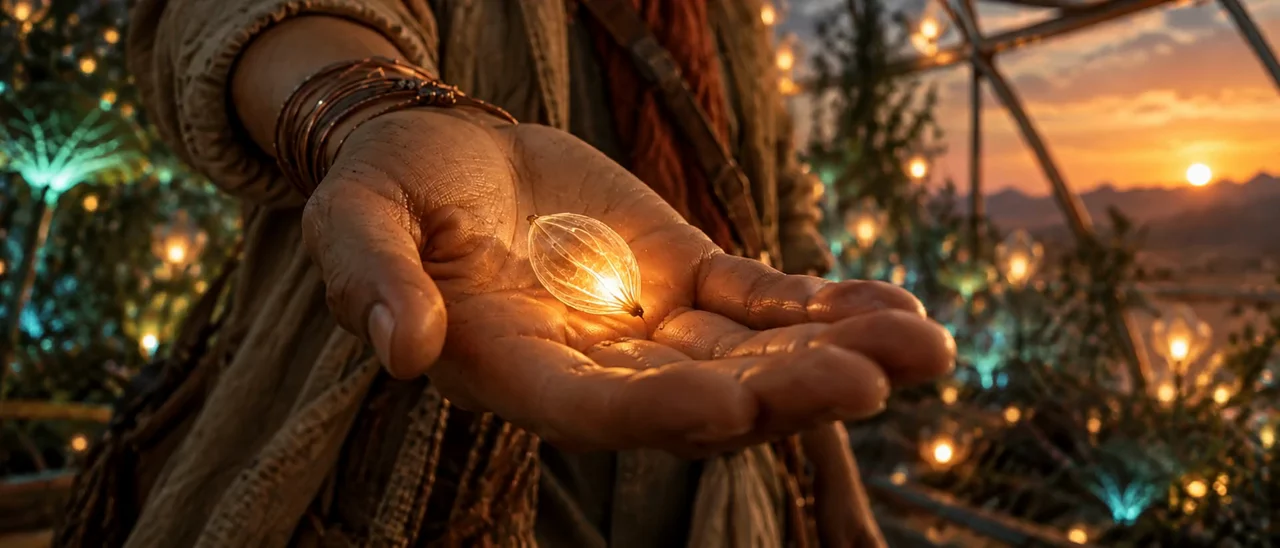
Every take starts with one frame.