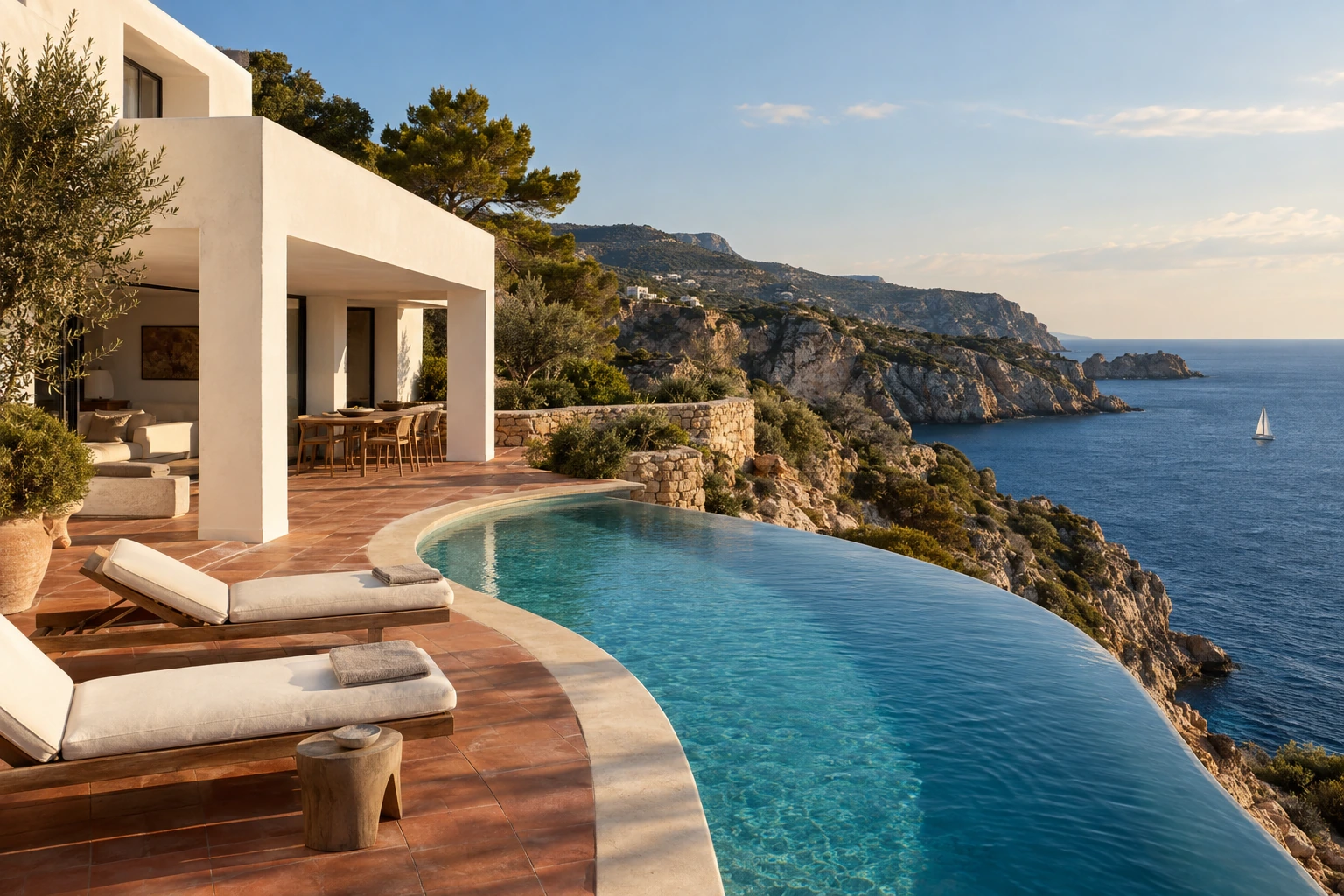
Everyday creation
Flare
A fast starting point for product scenes, visual concepts, illustrations, and everyday image edits.
from
6.4 credits
per image · entry settings
With welcome discount: 3.2 credits · 50% off for 14 days from your first quote
OpenAI · GPT Image 2.5
From a first idea to the detail that makes it yours. Create with Flare, refine with Sunburst, and bring your words and references into the same image workspace.
Meet the family
Choose for the task at hand. Both generate and edit images, follow references, and offer transparent output.
Everyday creation
A fast starting point for product scenes, visual concepts, illustrations, and everyday image edits.
from
6.4 credits
per image · entry settings
With welcome discount: 3.2 credits · 50% off for 14 days from your first quote
Precision and refinement
For demanding briefs and deliberate edits. Describe the change, name what must stay, and keep refining.
from
6.4 credits
per image · entry settings
With welcome discount: 3.2 credits · 50% off for 14 days from your first quote
Live entry estimates from Omnipix. Your prompt, quality, dimensions, and references affect token usage. Review the quote before starting; final charges use the usage returned by OpenAI.
Made with GPT Image 2.5
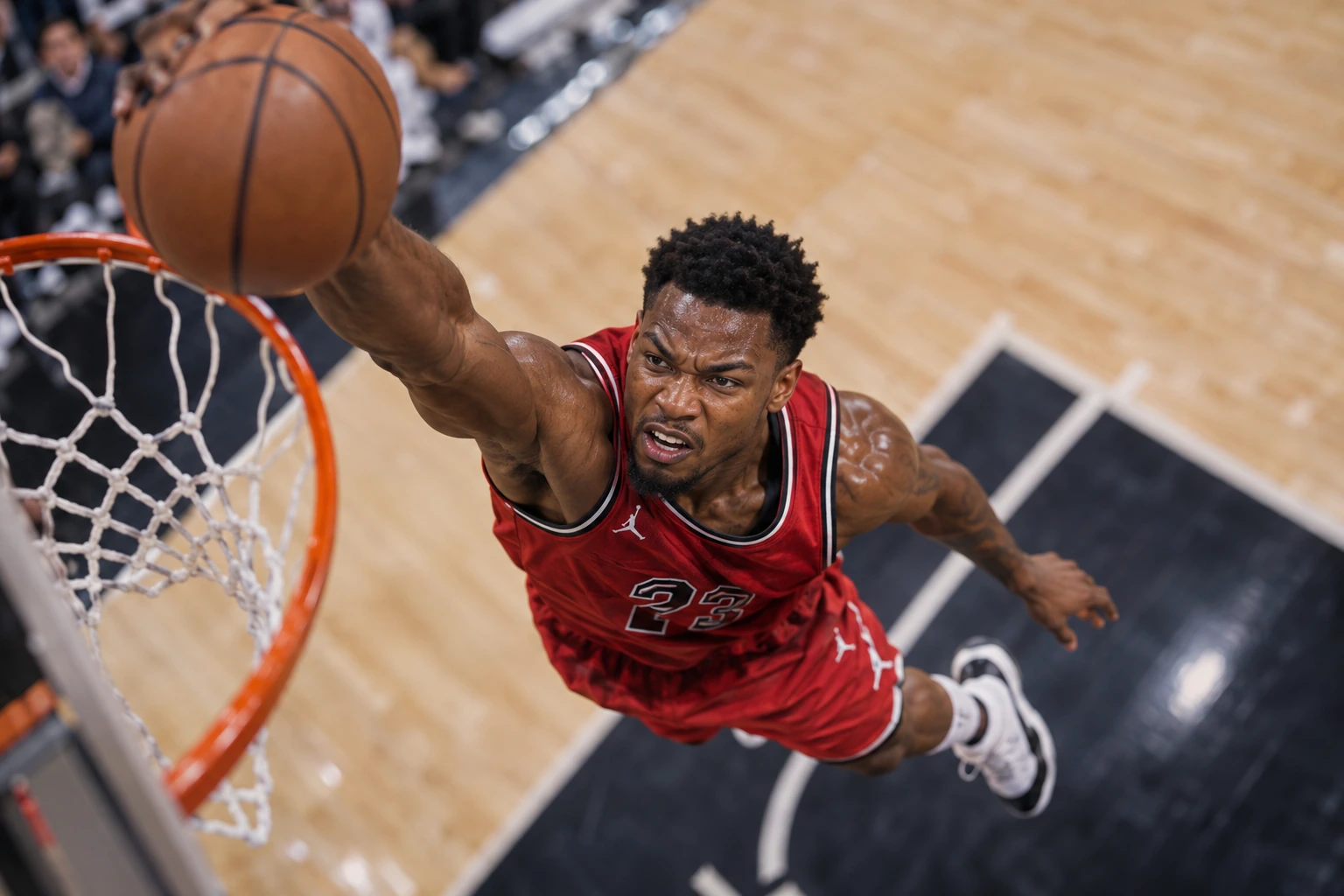
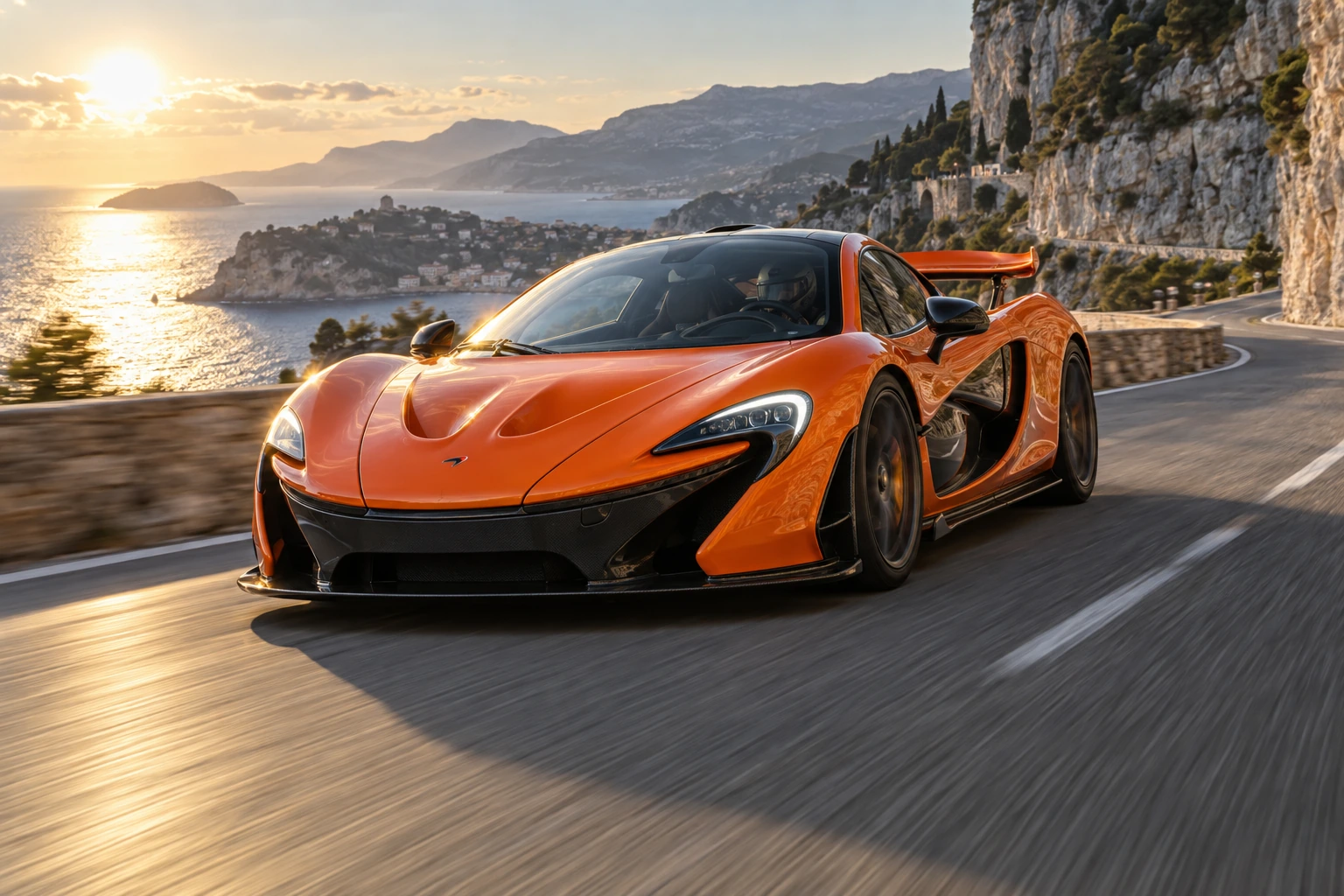
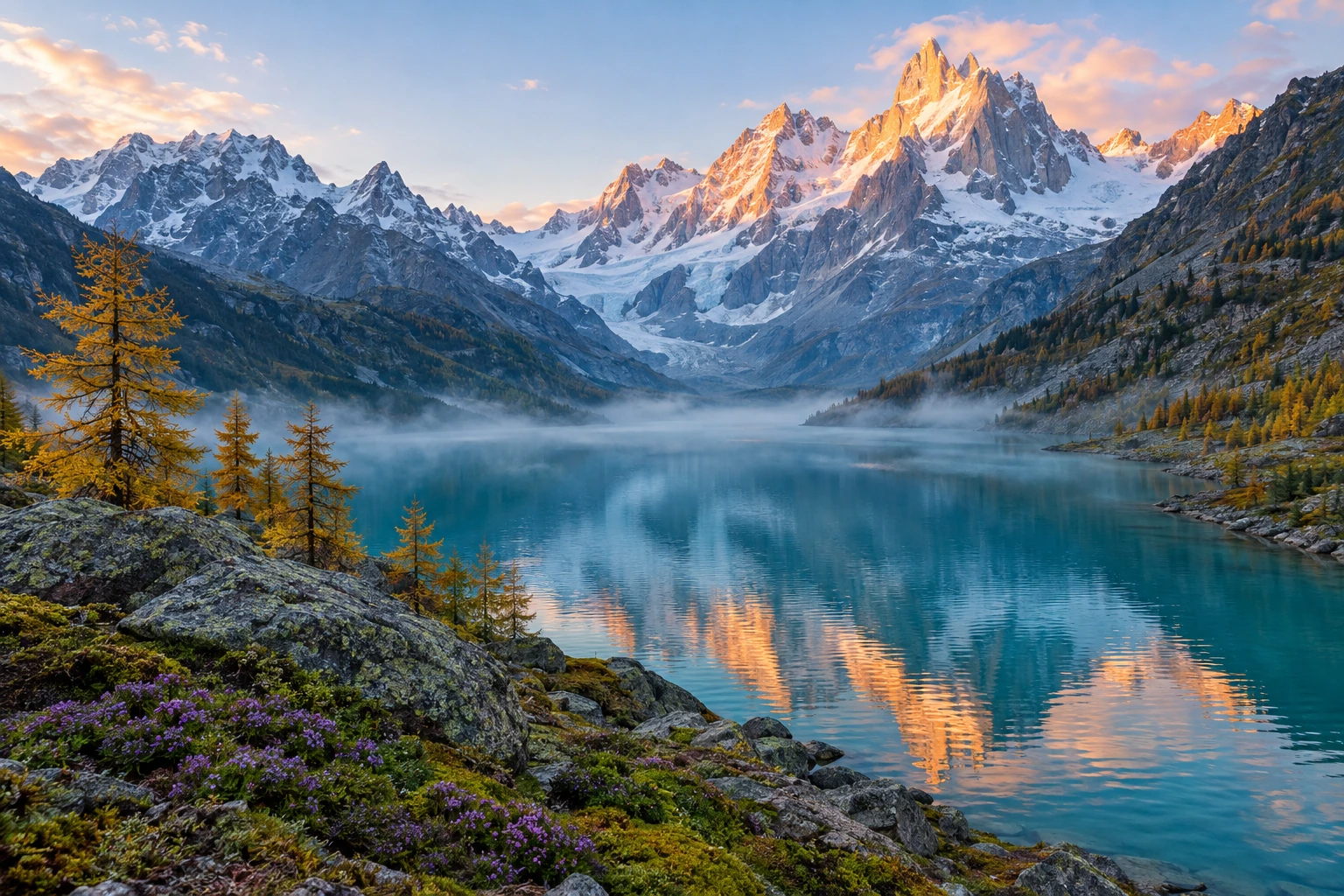
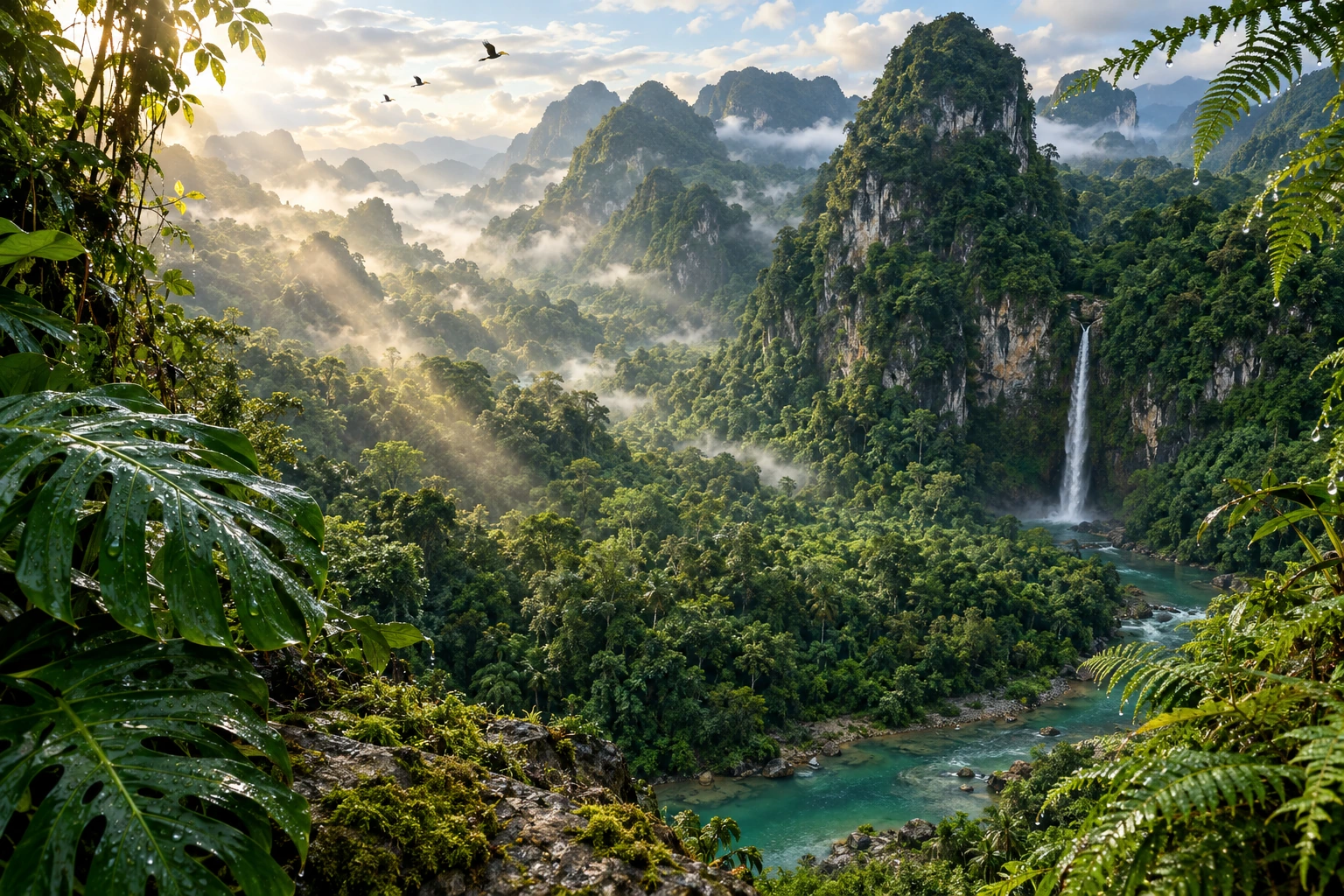
Creator moments, airborne athletes, open roads, and wild places. Original scenes generated with Sunburst and Flare, with the exact prompts behind every image.
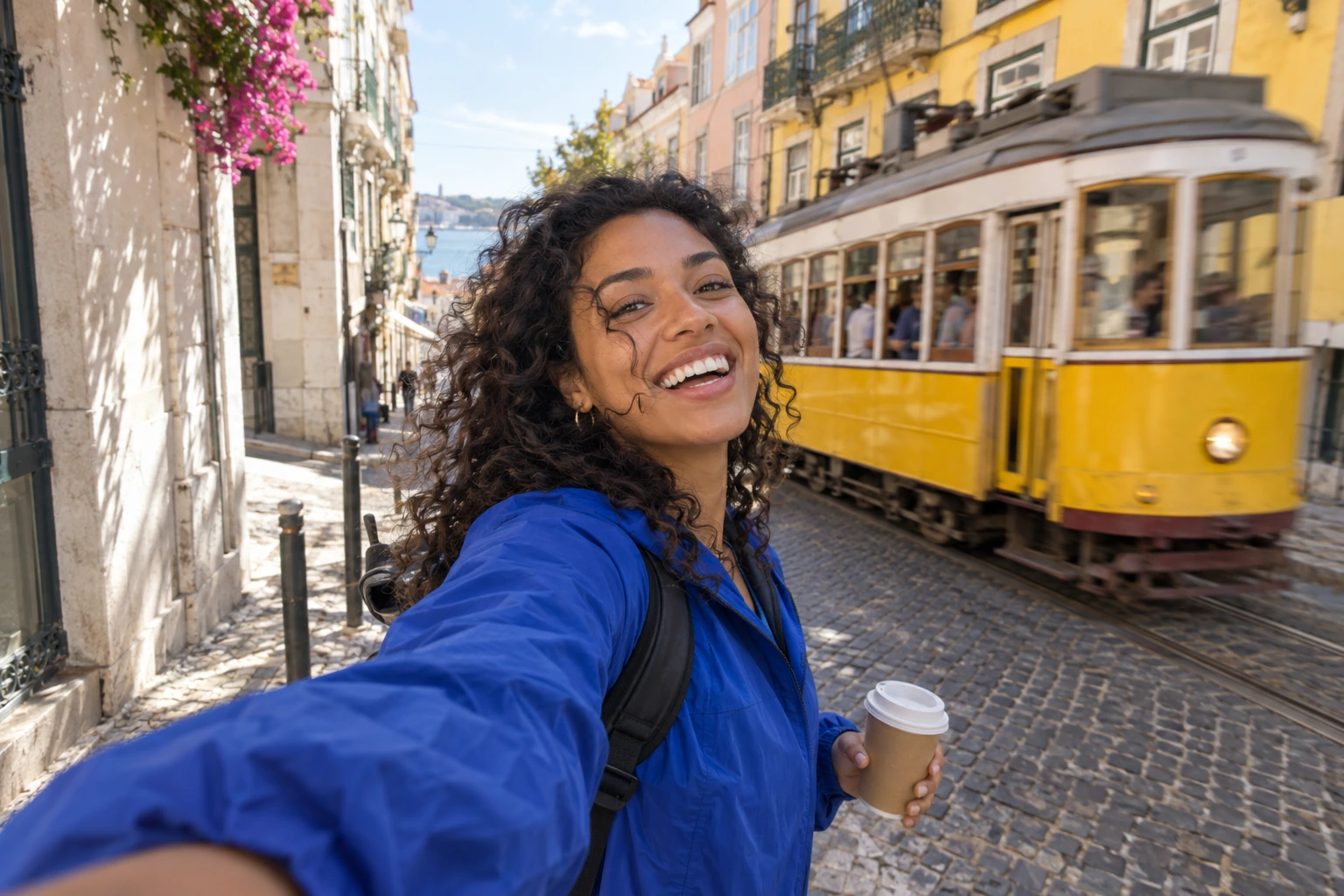
GPT Image 2.5 Sunburst · high · 1536 × 1024.
Photorealistic UGC travel creator still, captured by the front-facing camera of a phone held at arm's length. A fictional adult woman around 28 with warm brown skin, curly dark hair and a cobalt blue windbreaker is mid-step on a sunlit Lisbon side street, laughing and turning toward the camera as a gust lifts loose curls. An iconic yellow tram passes softly blurred in the background, pastel buildings, dappled light. Natural human face and skin texture, candid infectious energy, slightly imperfect handheld framing, believable wide-angle smartphone perspective, one shoulder and the extended forearm entering the lower edge of frame, other hand naturally holding a small takeaway coffee. Creator is clearly the main subject, sharp eyes, background motion without blurring the face. Authentic everyday travel content, not a glossy fashion campaign. Landscape 3:2 composition, no text overlays, no watermarks, no visible logos.
01 / 06
Sunburst · reference editing
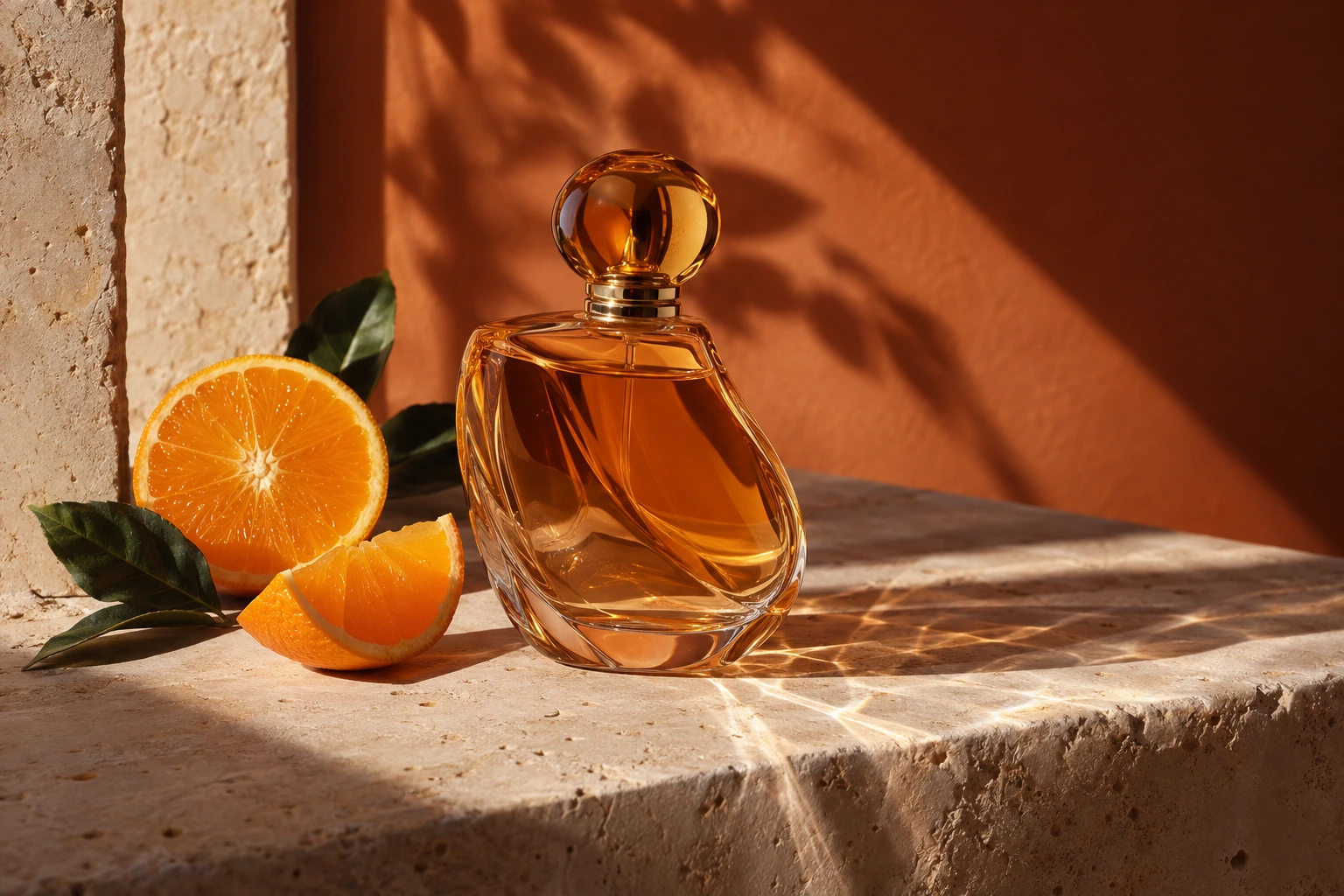
One instruction turns amber glass into cobalt blue while keeping the bottle, oranges, stone, and lighting composition. Slide between the source and the result.
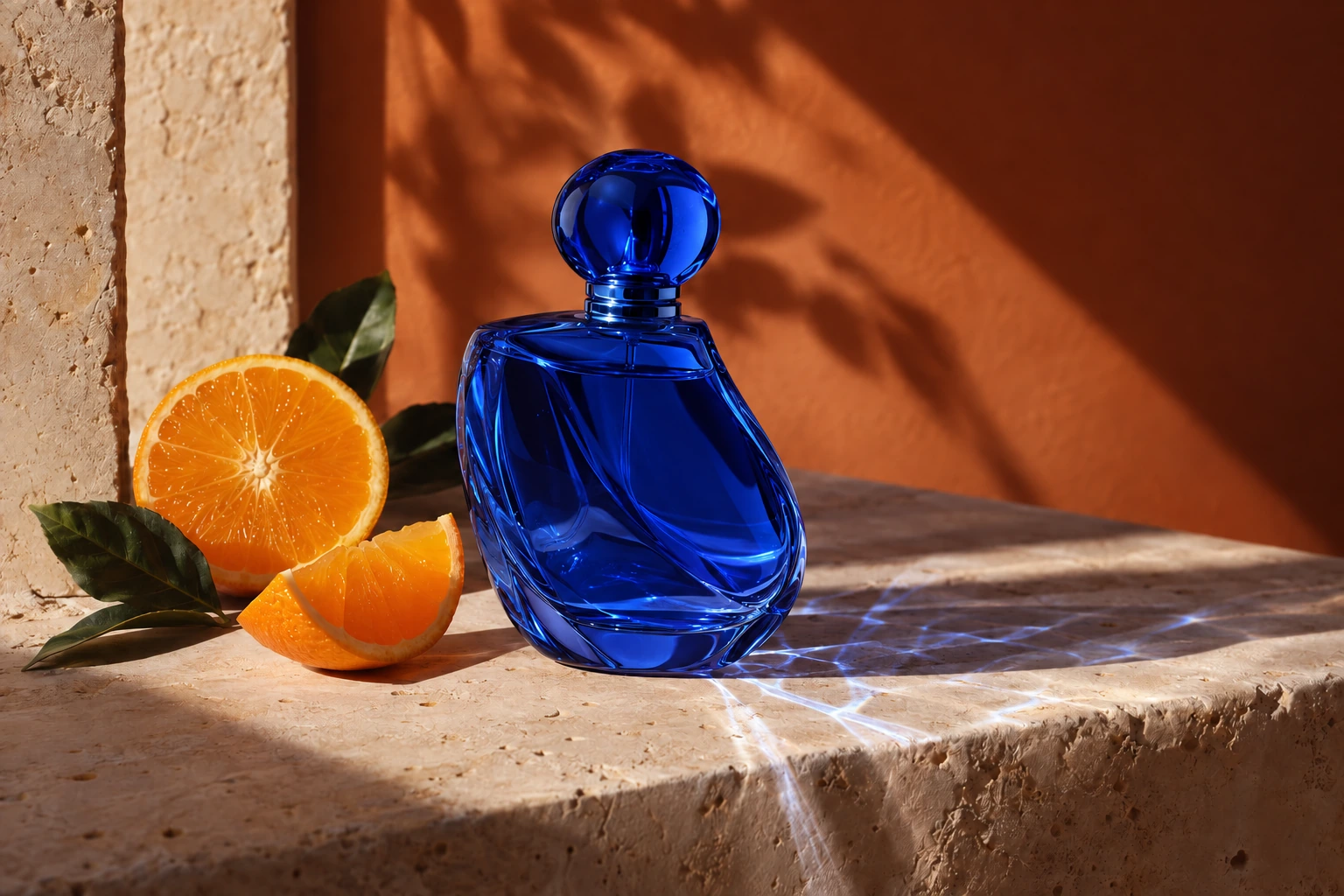
Change only the amber glass perfume bottle to deep translucent cobalt blue glass. Keep its exact silhouette and position, the orange slices, travertine pedestal, terracotta backdrop, camera angle and sunlight unchanged. Update only the light passing through the bottle to match the blue glass. No text or logos.
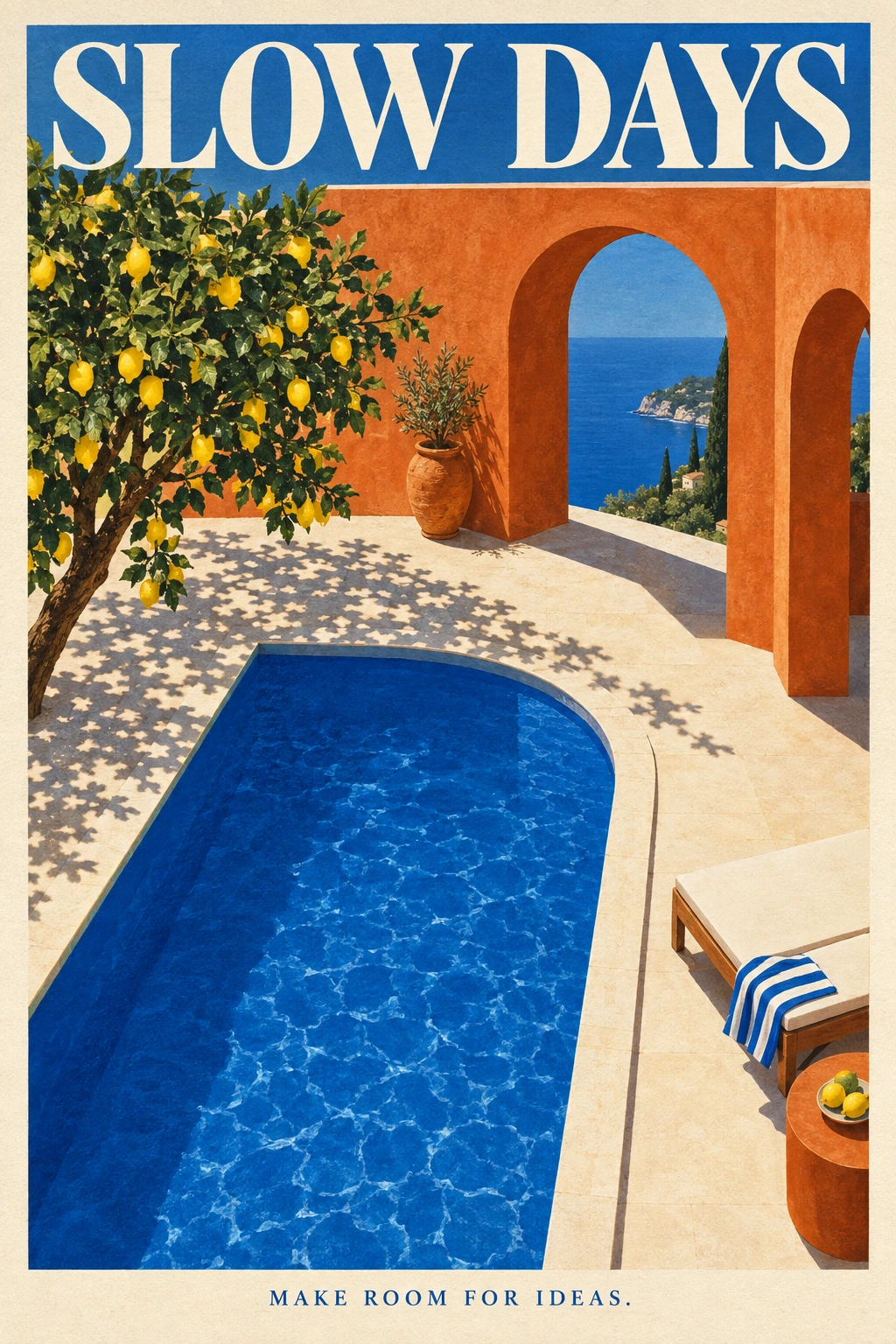
Flare · illustration and typography
A travel poster brings a cobalt pool, terracotta arches, and a lemon tree together with two requested lines of type. Quote the wording and describe its hierarchy and placement.
Sunburst · transparent output
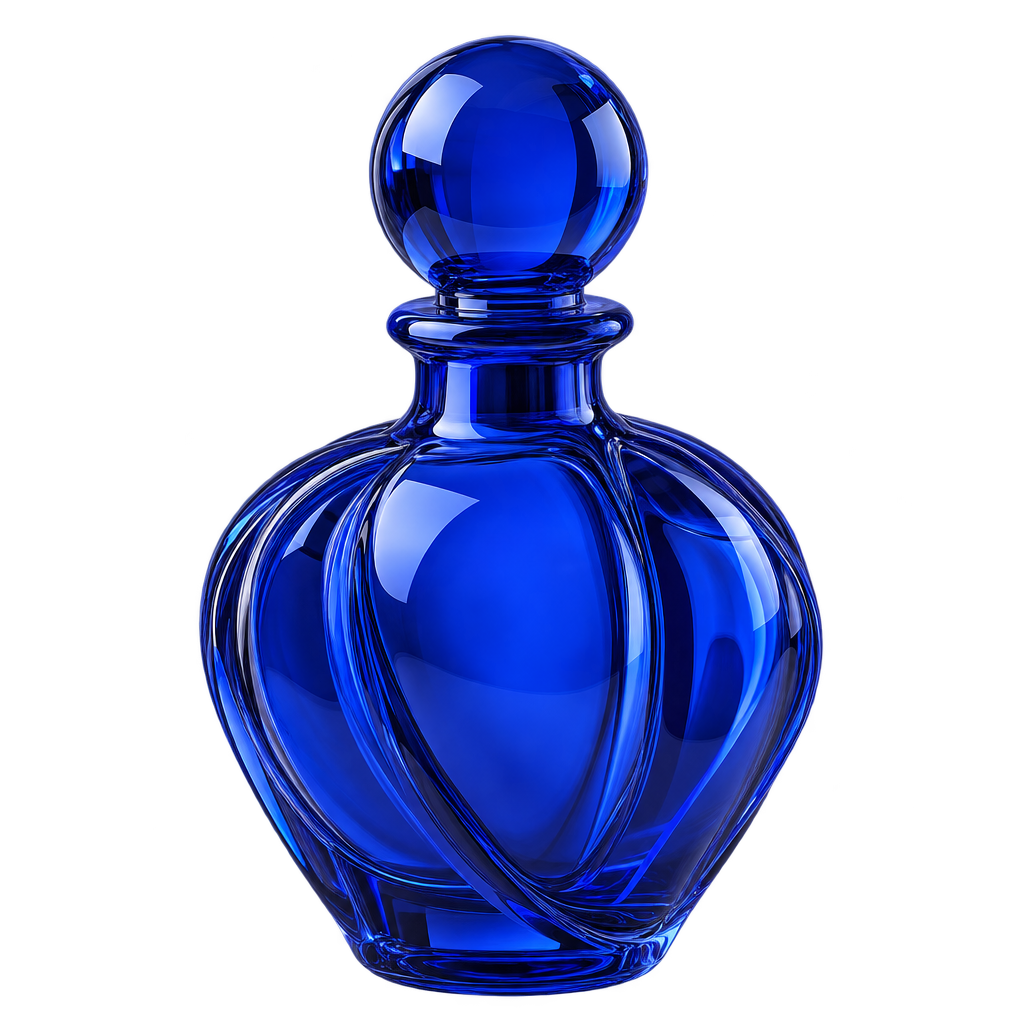
Create assets with a real alpha channel, ready to place into a layout. Both Sunburst and Flare support transparent PNG and WebP. This Sunburst example was generated at xhigh quality; the checkerboard makes its transparency visible.
Your image, your choices
Explore in low, then compare medium, high, xhigh, and max. More detail can require more time and tokens.
Choose transparent output in PNG or WebP for assets that need to sit inside another design.
Guide a full-image edit with references. For inpainting, supply the source, matching mask, and reference together.
Flare is OpenAI’s fast option for high-quality everyday generation. Choose Sunburst when editing precision is the priority. Both support generation and reference editing.
Yes. Select a transparent background and PNG or WebP output. JPEG cannot preserve transparency. Compression is available for JPEG and WebP; PNG does not use that control.
Choose the aspect ratio and resolution in the workspace. This integration uses the established non-experimental size presets: 1K, 2K, and 3K, with square output available at 1K or 2K.
Yes. These examples were generated specifically for this landing through the OpenAI Image API with the named Sunburst and Flare models. The color-edit comparison includes the original input. Results vary with the prompt and settings.
OpenAI bills text input, image input, and image output tokens. Omnipix shows a quote before generation and settles against the returned usage. The entry price on this page is an estimate for the entry settings, not a fixed price for every image.
A new scene, a sharper brief, or one carefully chosen change. Start with the model that fits.