Black Forest Labs · In Omnipix

FLUX 3

Imagine the scene. Shape every take.

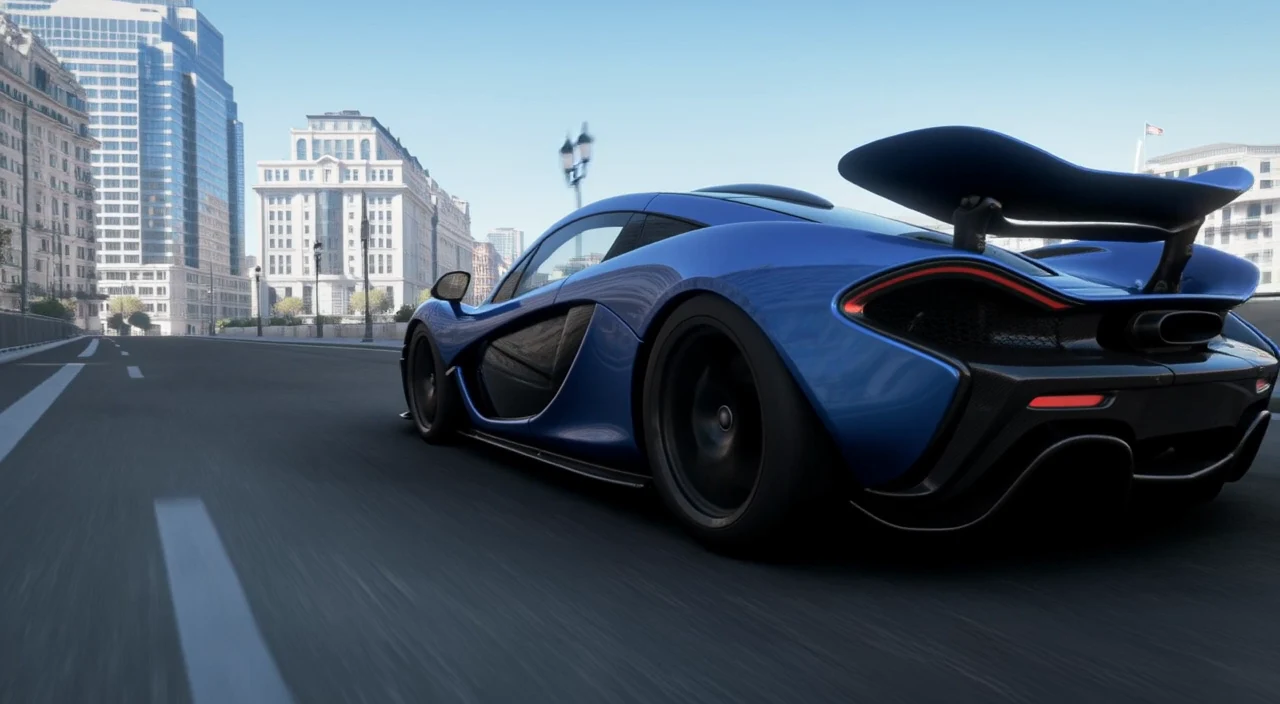
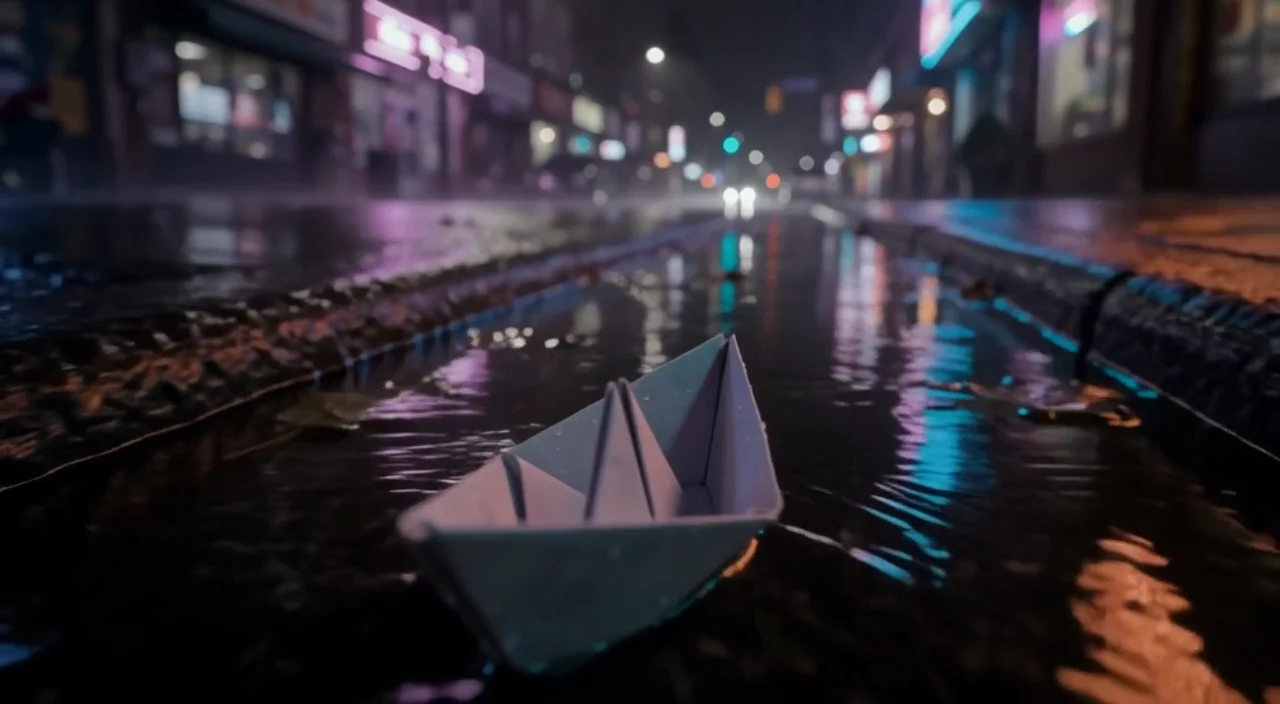
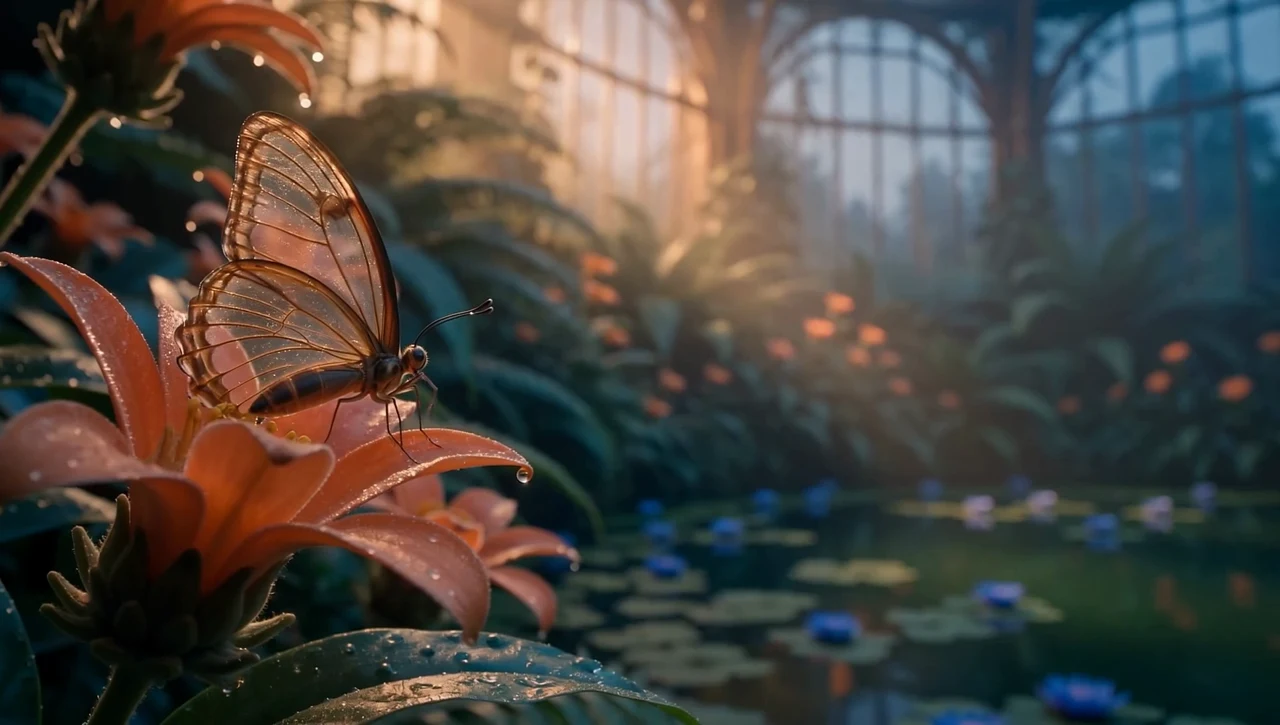
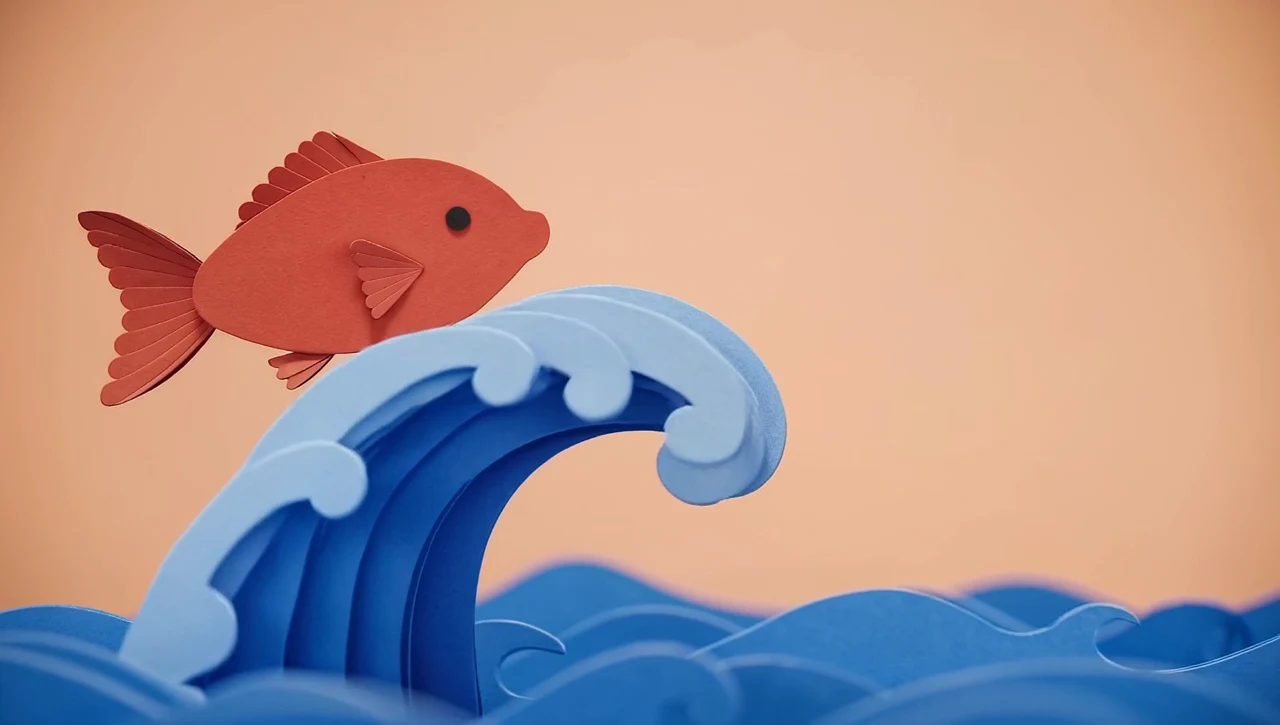
A glass-winged butterfly. A paper ocean. Your next impossible idea. Create video with sound, then keep directing it with FLUX 3 and FLUX Video Tools.

20 sec

in one generation

HD / FHD

final video

Picture + sound

generated together

01 / Create a world

Begin with a spark. Give it somewhere to go.

Start with words, pin the moments that matter, or carry a scene beyond its last frame. Explore these FLUX 3 films with the arrows and turn on the sound to hear each scene.

Imagine it, then make it real

01 / 05

Write the scene

Describe the action, camera, light and soundtrack. Dialogue, effects and ambience can be generated with the picture.

Set the keyframes

Add 1–10 images and place them on the timeline. Guide an opening frame, a final pose, or a sequence of moments.

Keep the story moving

Add an existing clip to continue the scene from its final frames. Use the prompt to direct what happens next.

Video continuation

FLUX 3 continues the six-second glasshouse draft with a new camera move toward the roof and sunset.

02 / Draft Enhance

Draft and final video

Explore in Draft mode before committing to a final render. When a take works, choose Enhance draft on its saved gallery result to render it in HD or FHD.

The saved draft and its full-quality render, shown without cropping. Drag to compare or play both together. Motion and composition can differ between renders.
The original glasshouse and its winter edit. Drag to compare, or play both clips together.

03 / FLUX Video Edit

Video editing

Give FLUX Video Edit [fast] your clip and describe the change. Rework the setting, materials or visual style while keeping the shot’s duration and framing.

The edit prompt

“Turn the tropical glasshouse into a frosted winter conservatory, with snow outside and icy blue flowers. Keep the butterfly and camera movement.”

04 / FLUX Video Upscale

Video upscaling

Increase the video resolution 3×. Precise sharpens the source while preserving its details; Creative reconstructs textures and can add new detail. Switch modes to compare both results with the source clip.

Precise 3×

Precise sharpens the ice, foliage and butterfly while staying close to the winter edit. 414×234 → 1242×702.

Up to 20 seconds of source footage · Original audio retained

Upscale compared with the original

Left: the original winter edit. Right: the Precise upscale of its reduced-resolution copy.

Your next move

One creative workflow. The right tool for each step.

Open a tool to see its current settings and generation price. Video Upscale lives in Enhance → Video - Upscale.

01

FLUX 3 Video

Create video from text, guide it with keyframes, or continue a clip. Add synchronized sound and explore ideas in Draft mode.

02

FLUX 3 Draft Enhance

Turn a saved FLUX 3 draft into a final HD or Full HD video.

03

FLUX Video Edit [fast]

Edit objects, style, dialogue, and sound in a source clip using a written instruction.

04

FLUX Video Upscale

Upscale existing video with source-faithful sharpening or creative detail enhancement.

A few things before you begin

How long can a FLUX 3 video be?

Choose an automatic duration or set 5–20 seconds. Final generation supports HD or FHD at 24 fps; Draft mode produces an HD preview. You can choose landscape, portrait and square framing.

Can I generate speech and sound?

Yes. Enable synchronized audio and describe the dialogue, sound effects or ambience in your prompt. Turn it off for a silent generation.

What is the difference between continuation and editing?

An existing clip in FLUX 3 Video becomes the starting point for what happens next. FLUX Video Edit [fast] changes the footage itself. For editing, use an MP4 up to 15 seconds and 50 MiB; the result is up to 720p at 24 fps.

Is Draft Enhance the same as Video Upscale?

Draft Enhance renders one of your saved FLUX 3 drafts at full quality. Video Upscale increases the resolution of an existing clip, including uploaded footage. It accepts clips up to 20 seconds, 50 MB and 2560×1440, with output capped at 13.75 megapixels per frame.

How much does a video cost?

The workspace shows the price for your selected tool and settings before you generate. Duration, resolution and Draft mode affect generation cost; upscaling also depends on the delivered frame size and the Precise or Creative mode.

What will you bring to life?

Your first frame starts with an idea.