Start with the exceptionally inexpensive Klein 4B, then move to a larger, more controllable, or final-quality FLUX.2 variant only when the job needs it.
Current Klein 4B price for a text-to-image generation. No subscription required.
Klein 4B proof
A cheap draft does not have to look disposable.
These are reviewed Omnipix outputs, not vendor samples. Each was generated at roughly one megapixel with FLUX.2 Klein 4B.
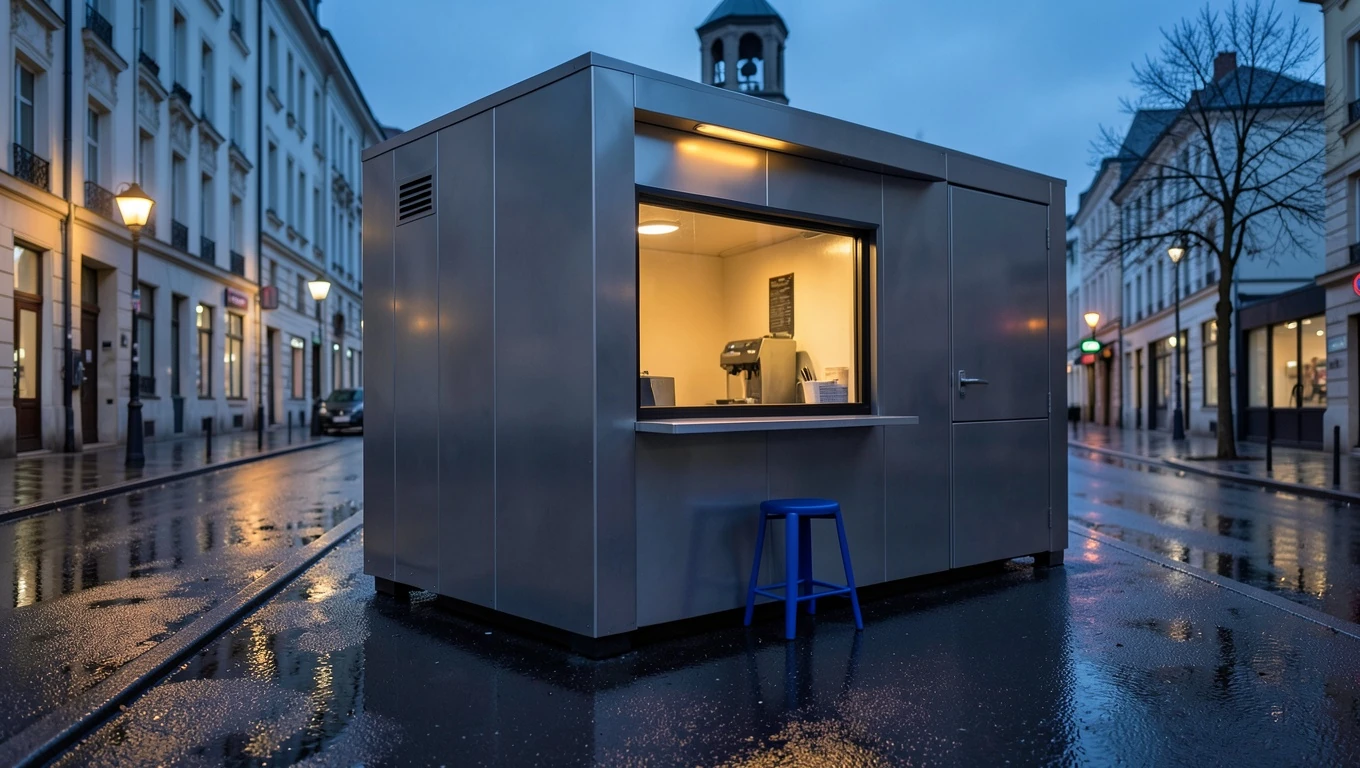
A one-megapixel architectural scene generated with FLUX.2 Klein 4B.
Generated with Klein 4B
Exact prompt+
Editorial architectural photograph of a compact modular coffee kiosk at blue hour, brushed aluminium panels, warm amber service window, one cobalt-blue stool, wet pavement reflecting the lights, quiet European side street, precise straight lines, believable materials, cinematic but natural lighting, no logos, no text, no people
A material-focused studio still life generated with FLUX.2 Klein 4B.
Generated with Klein 4B
Exact prompt+
Surreal studio still life: three oranges made from translucent amber glass resting on folded cobalt linen, tiny bubbles and realistic refraction inside the glass, soft coral backdrop, directional morning light, restrained luxury editorial photography, crisp material detail, no text
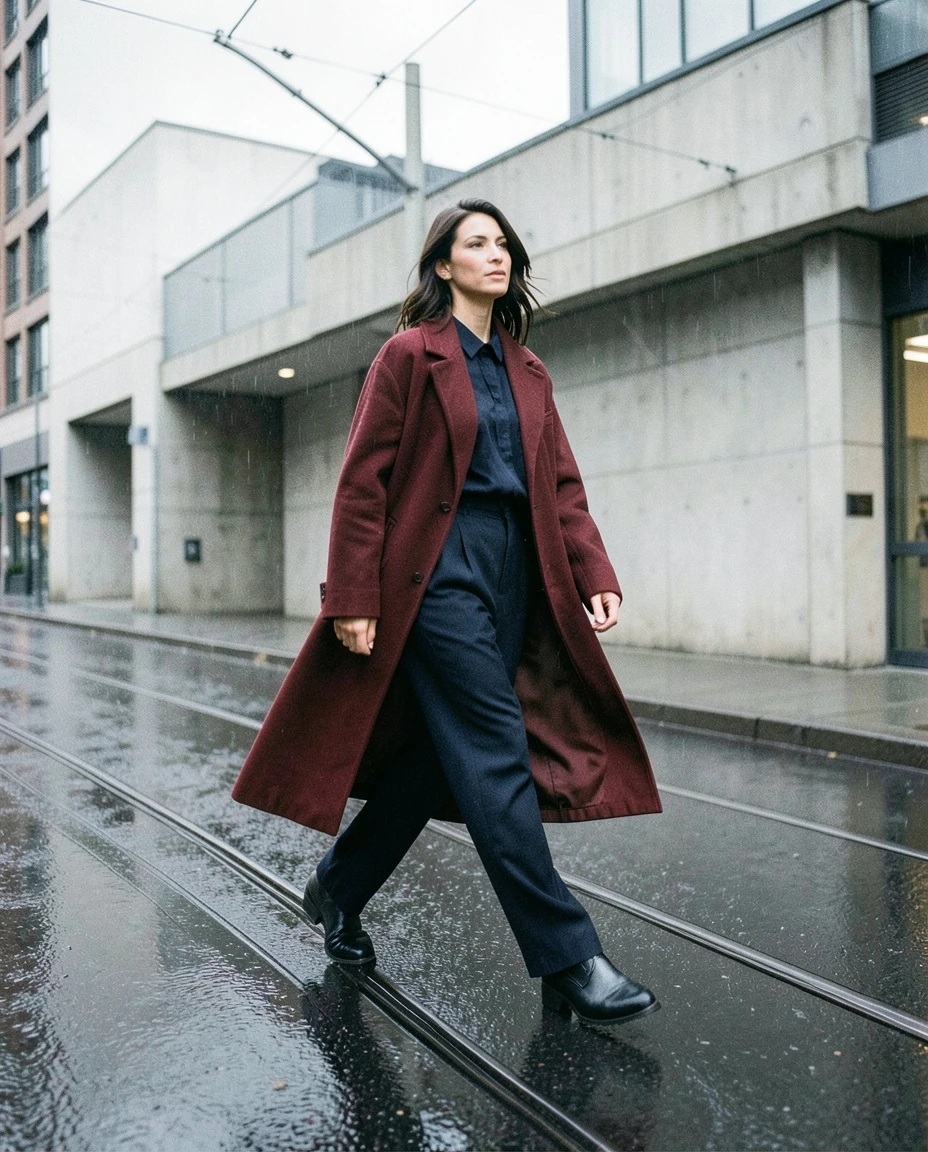
A full-body rainy-street fashion image generated with FLUX.2 Klein 4B.
Generated with Klein 4B
Exact prompt+
Full-body fashion editorial of a fictional adult model crossing a rain-darkened city street, oversized vermilion coat over a monochrome navy outfit, candid stride, silver tram wires and modernist concrete behind her, overcast daylight, subtle 35mm grain, realistic hands and fabric, no visible brands, no text
How pricing works
Pay for the pixels you create and edit.
Klein 4B is priced by total image megapixels. A text-only generation pays for the output; reference editing also includes the input-image megapixels processed by the model.
01
0.8
1 MP text-to-image
02
1.6
2 MP text-to-image
03
1.6
1 MP output + 1 MP reference
Reference editing is calculated from actual input and output dimensions; the workspace shows the exact price before generation.
One family, five trade-offs
Use the smallest FLUX.2 that solves the job.
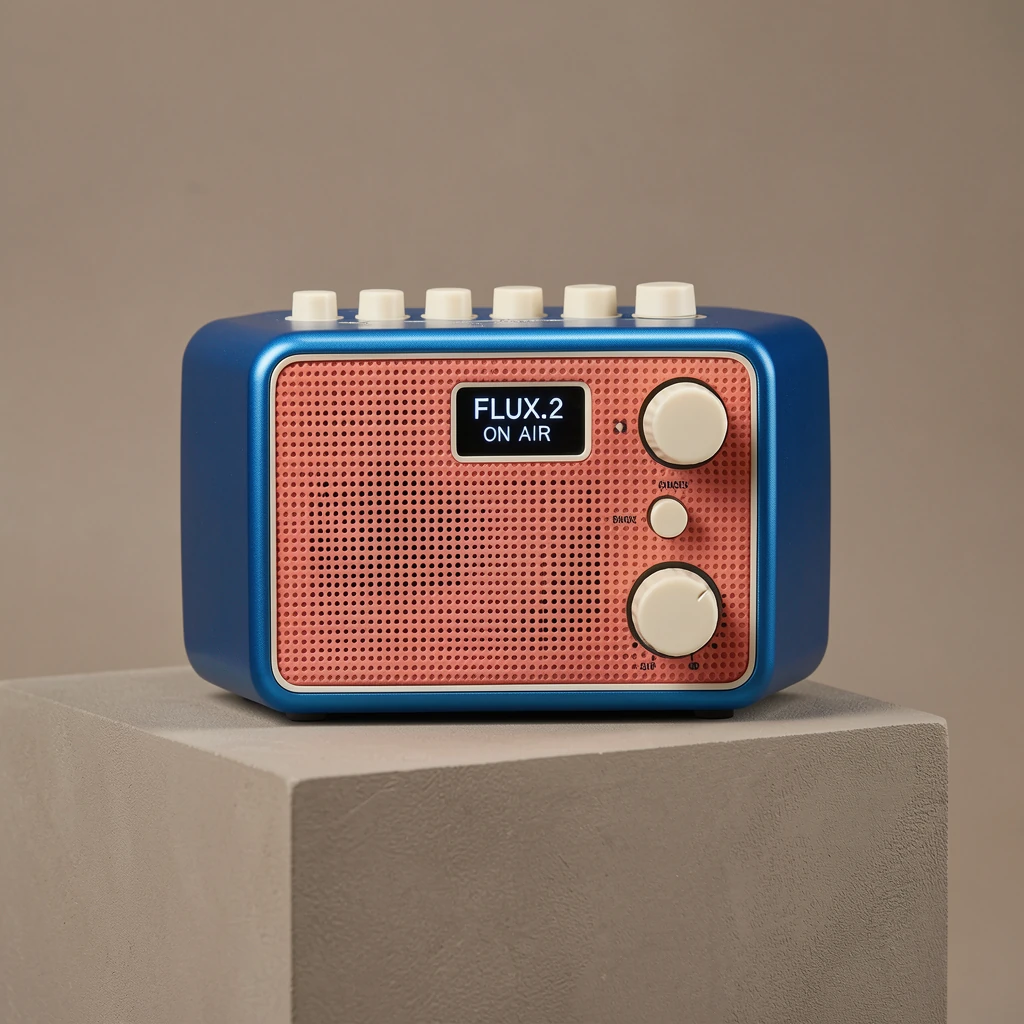
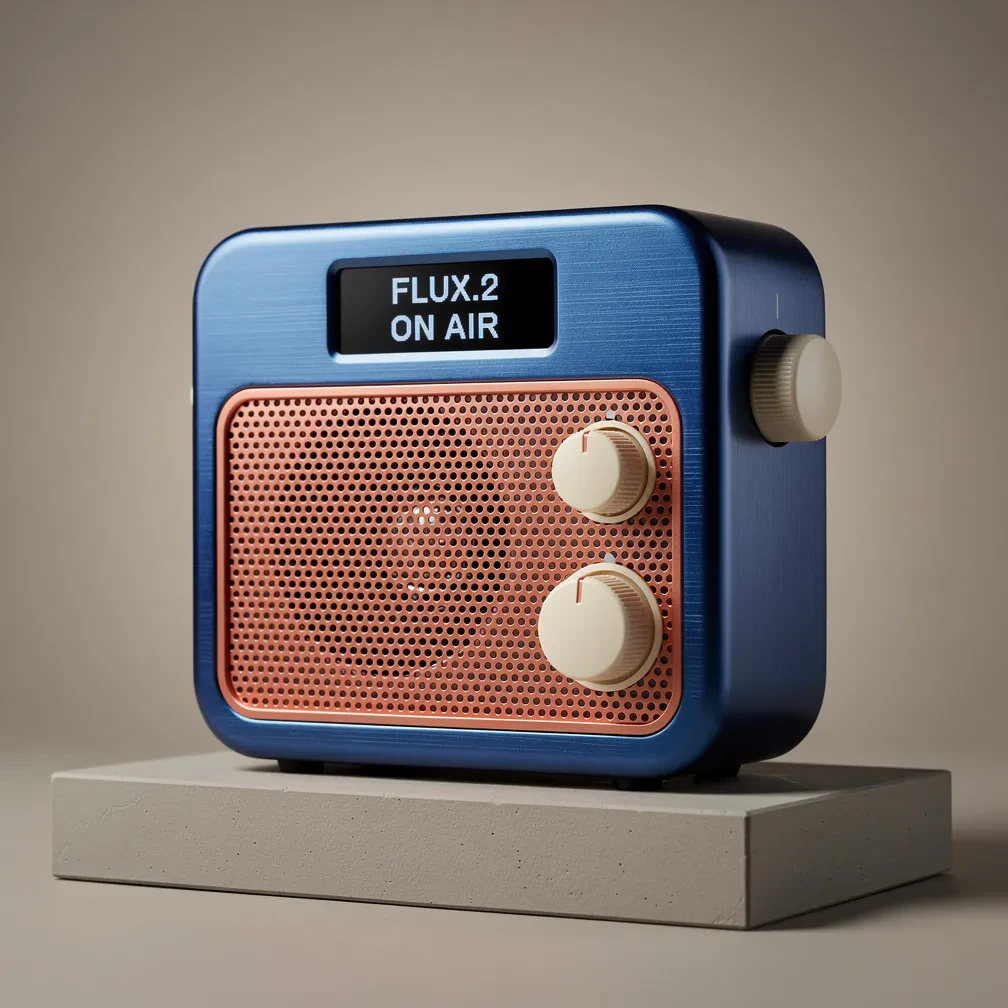
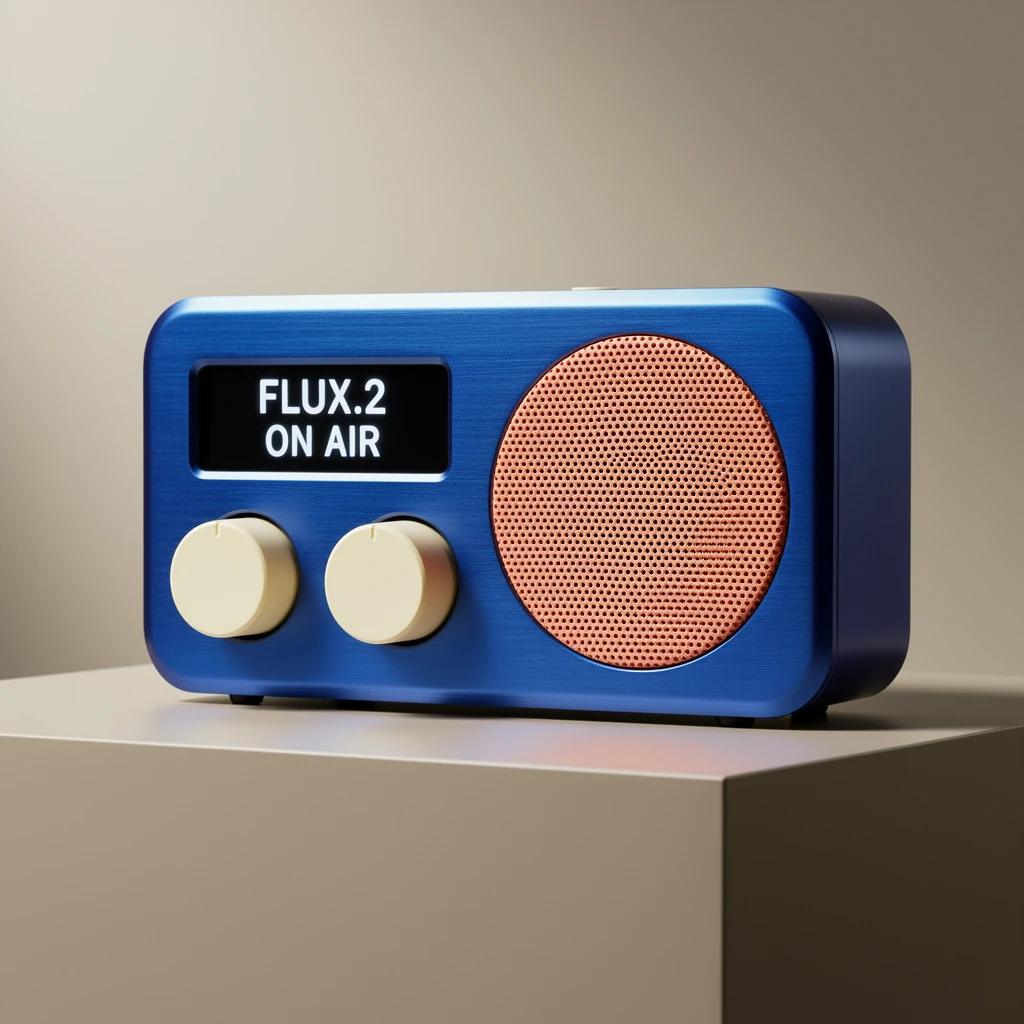
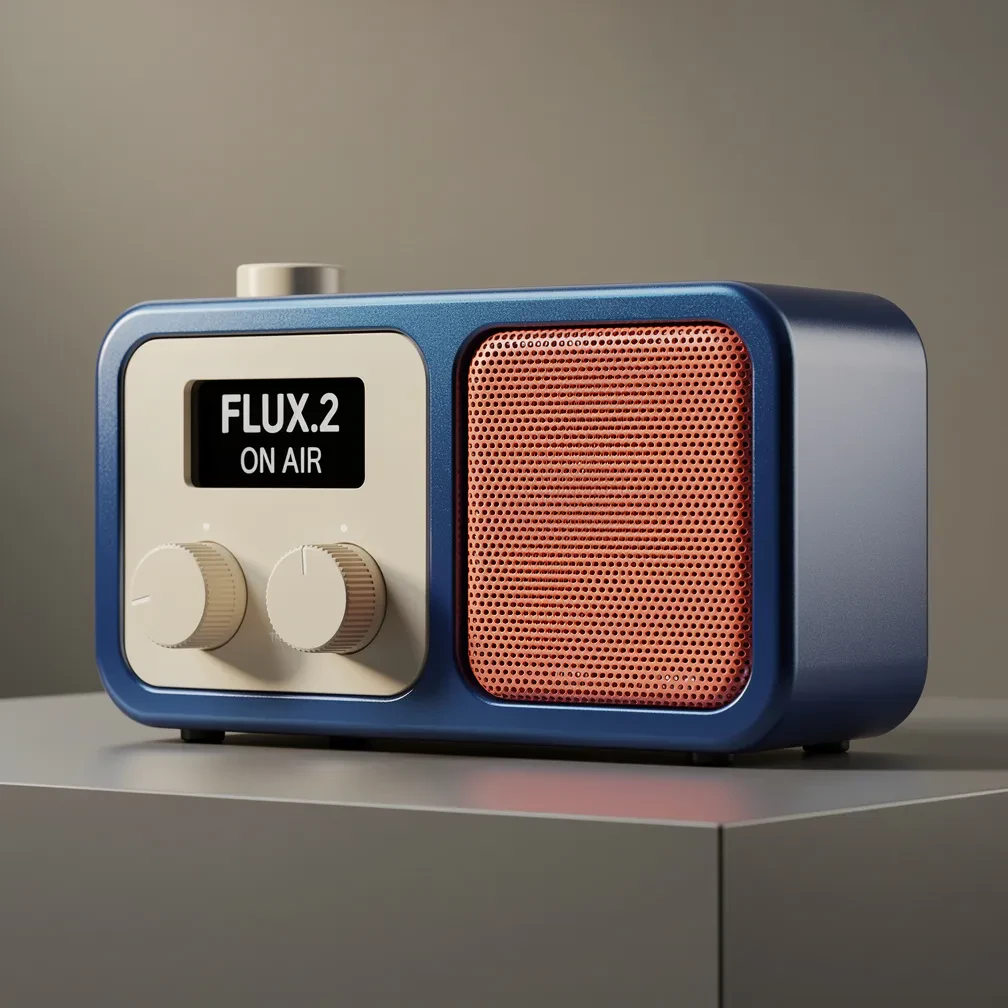
The same radio prompt was run through every variant. Compare what each model actually produced, then open that exact model in the workspace.
Same prompt · 1:1 · 1K (1 MP)
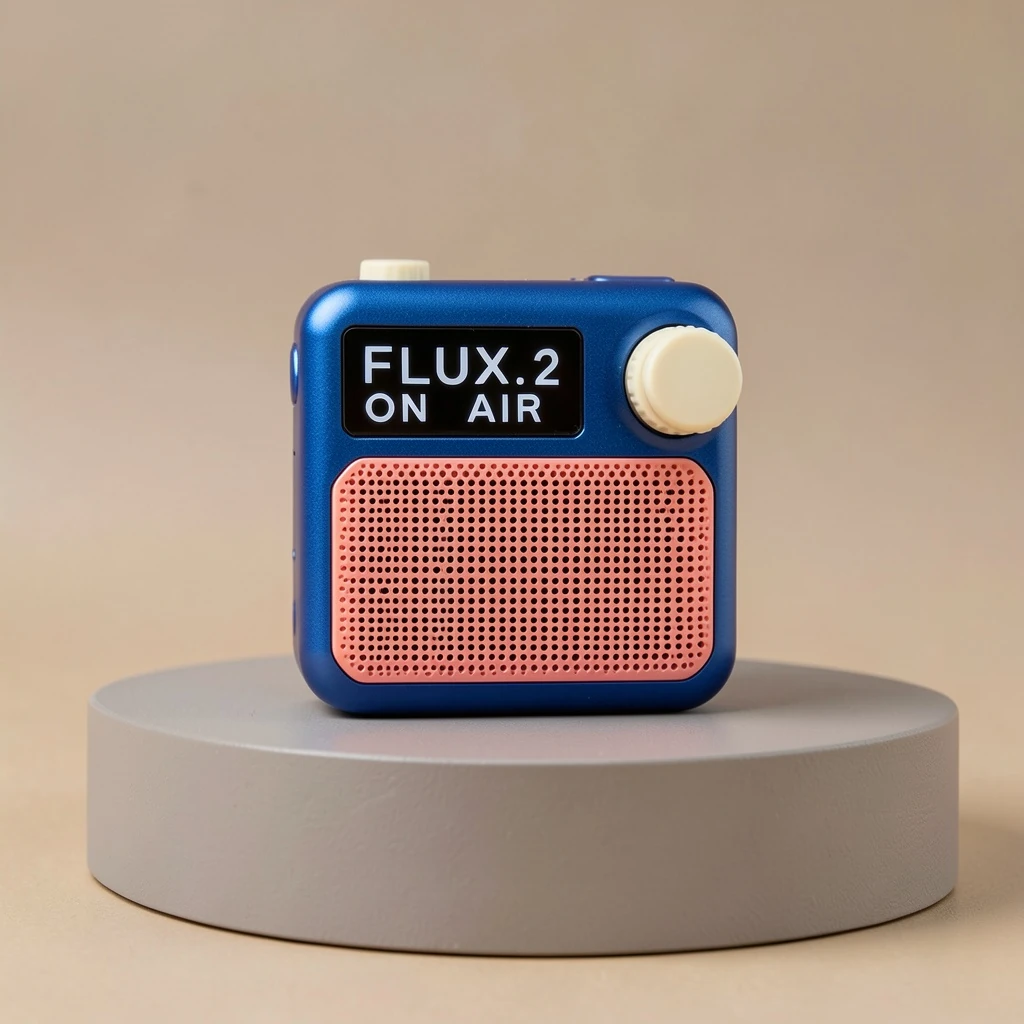
FLUX.2 [klein] 4B
0.8 credits
per output megapixel
With welcome discount: 0.4 credits · 50% off for 14 days from your first quote
Volume and drafts
The price-first choice for broad exploration, batches, and fast reference edits.
Premium studio advertising photograph of a compact portable radio, front-facing three-quarter view, cobalt metal body, ivory knobs and coral speaker grille. A small black display must read exactly 'FLUX.2' on the first line and 'ON AIR' on the second, correctly spelled. Product on a warm-gray plinth, realistic materials, controlled soft light, no other text or logos.
Reference-image editing
Preserve what matters. Change only what you name.
Klein 4B can relight a room, change product materials, turn a sketch into a render, or combine subject and style references. Pro and Flex cover more demanding identity and typography work.
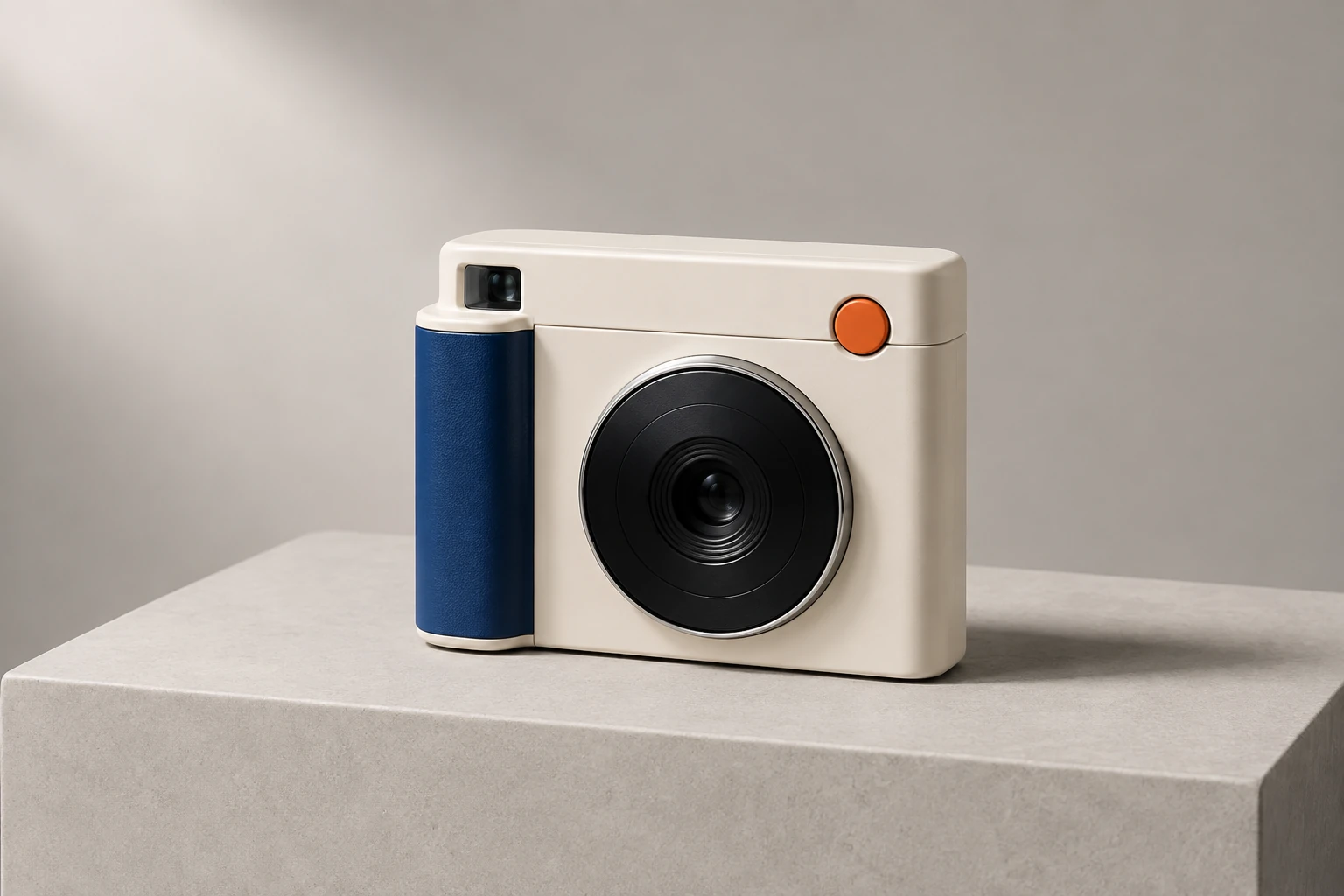
Material edit · FLUX.2 [klein] 4B
BEFORE
AFTER
100%
Klein 4B changed the materials and colors while retaining the product geometry.
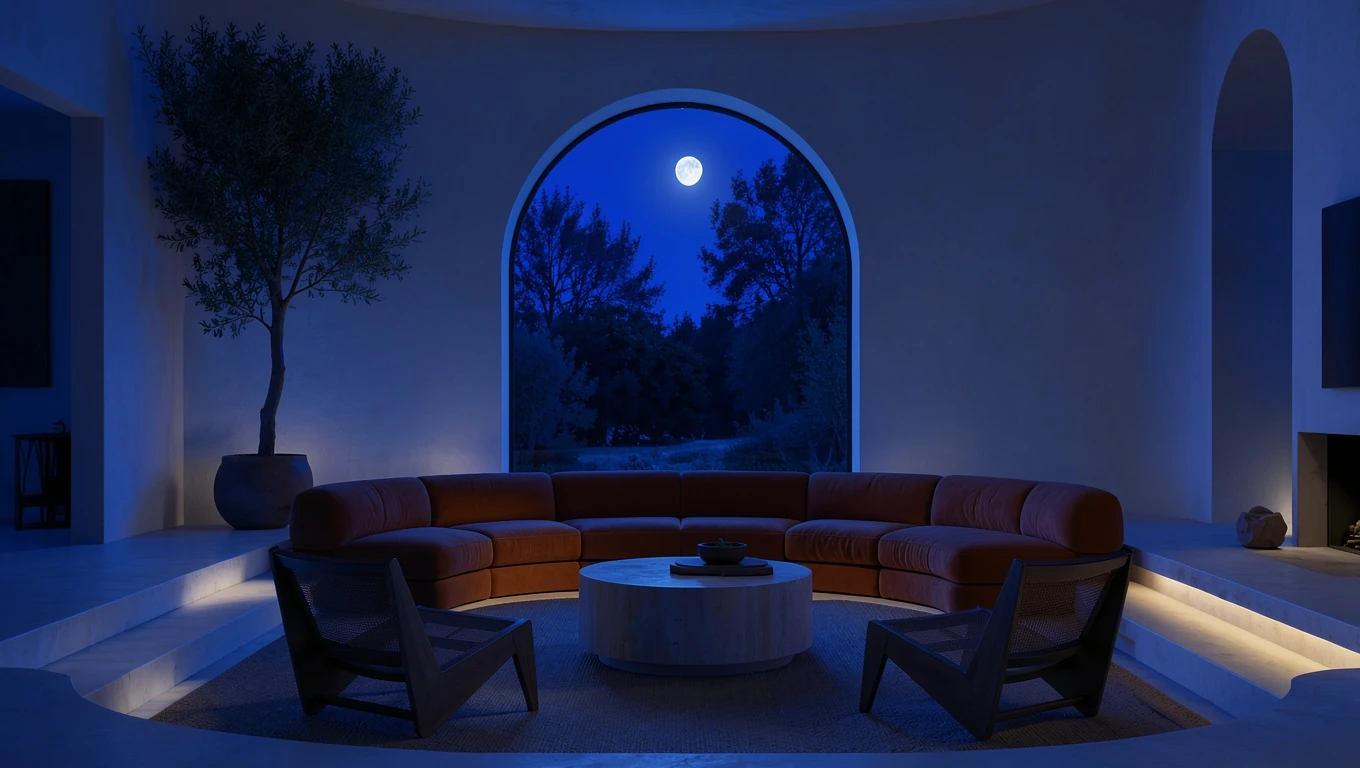
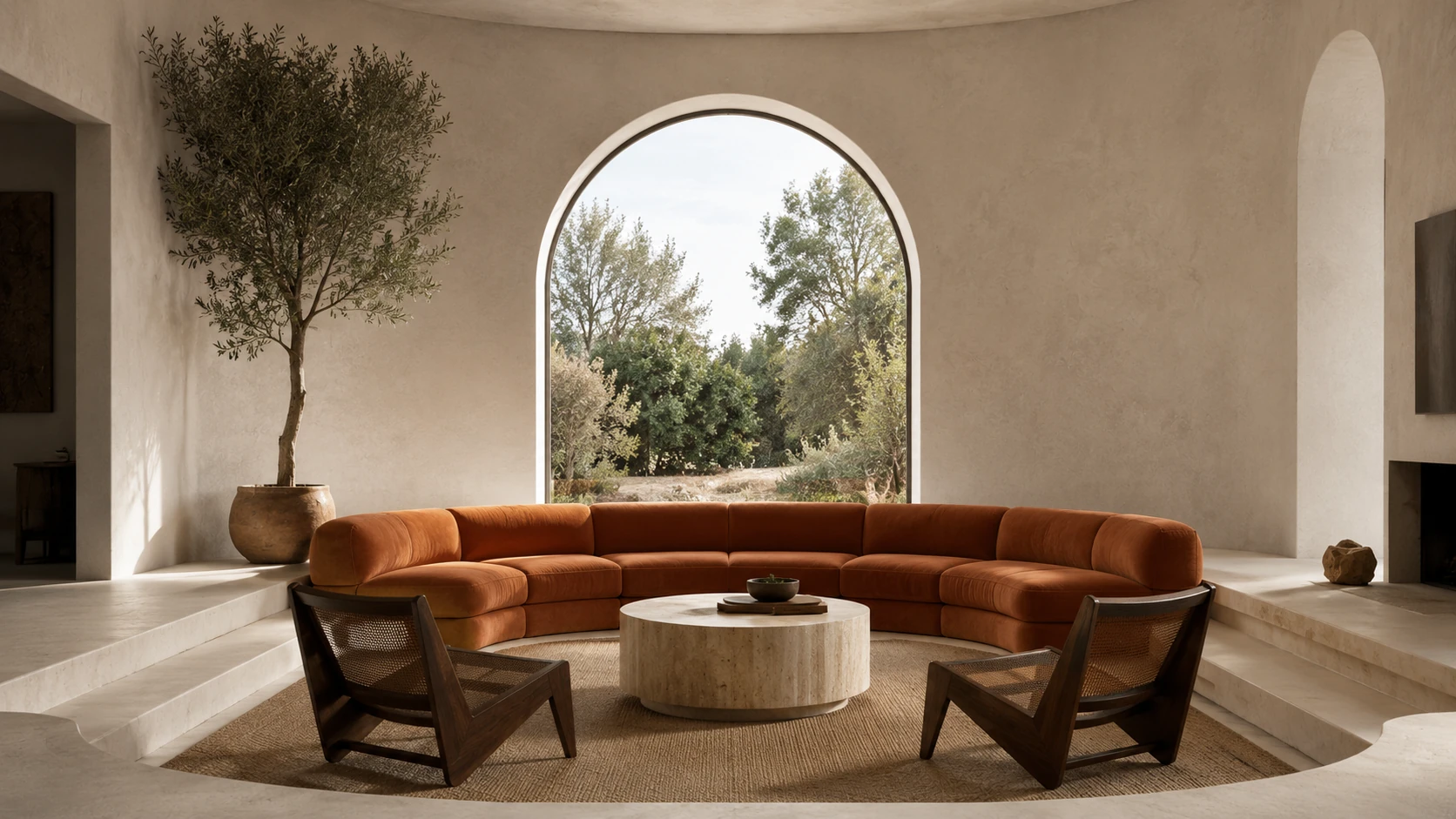
Day to night · FLUX.2 [klein] 4B
BEFORE
AFTER
100%
A day-to-night relight that preserves the room, architecture, and furniture layout.
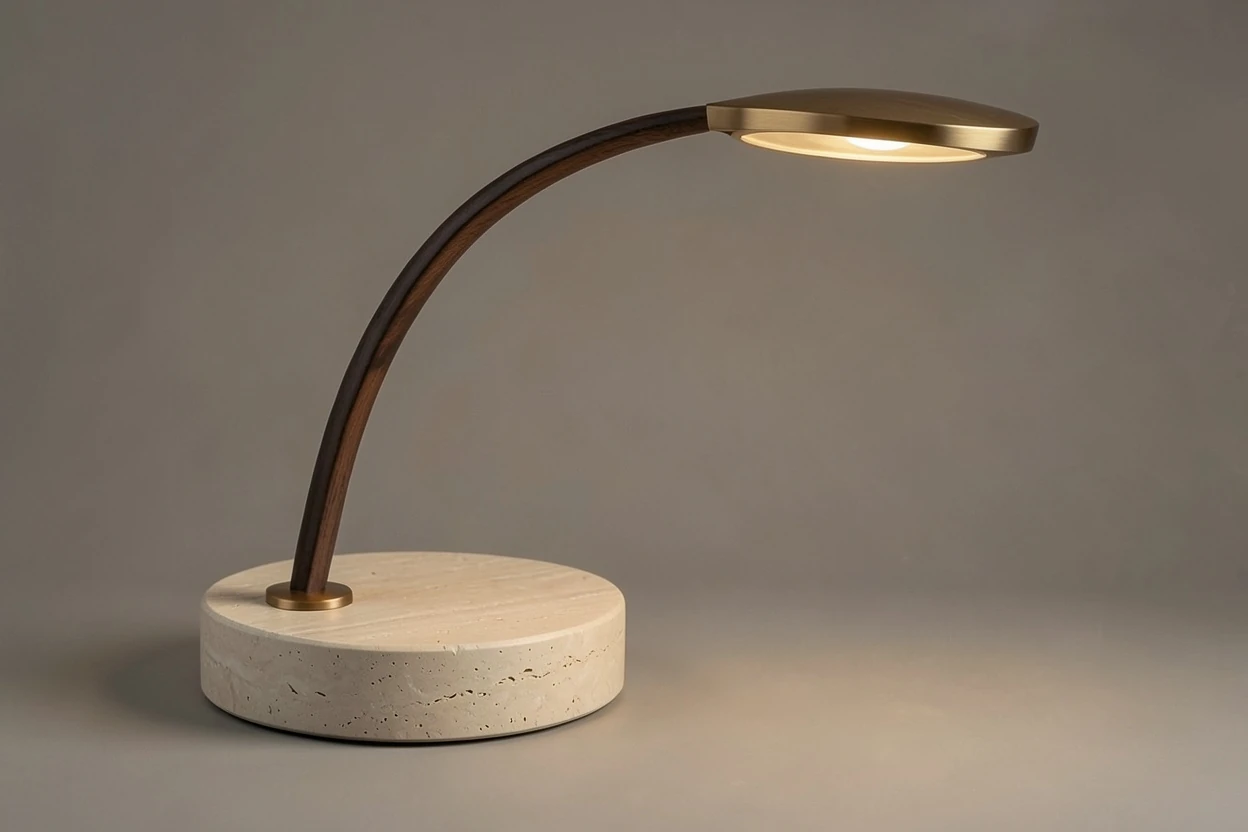
Sketch to render · FLUX.2 [klein] 4B
BEFORE
AFTER
100%
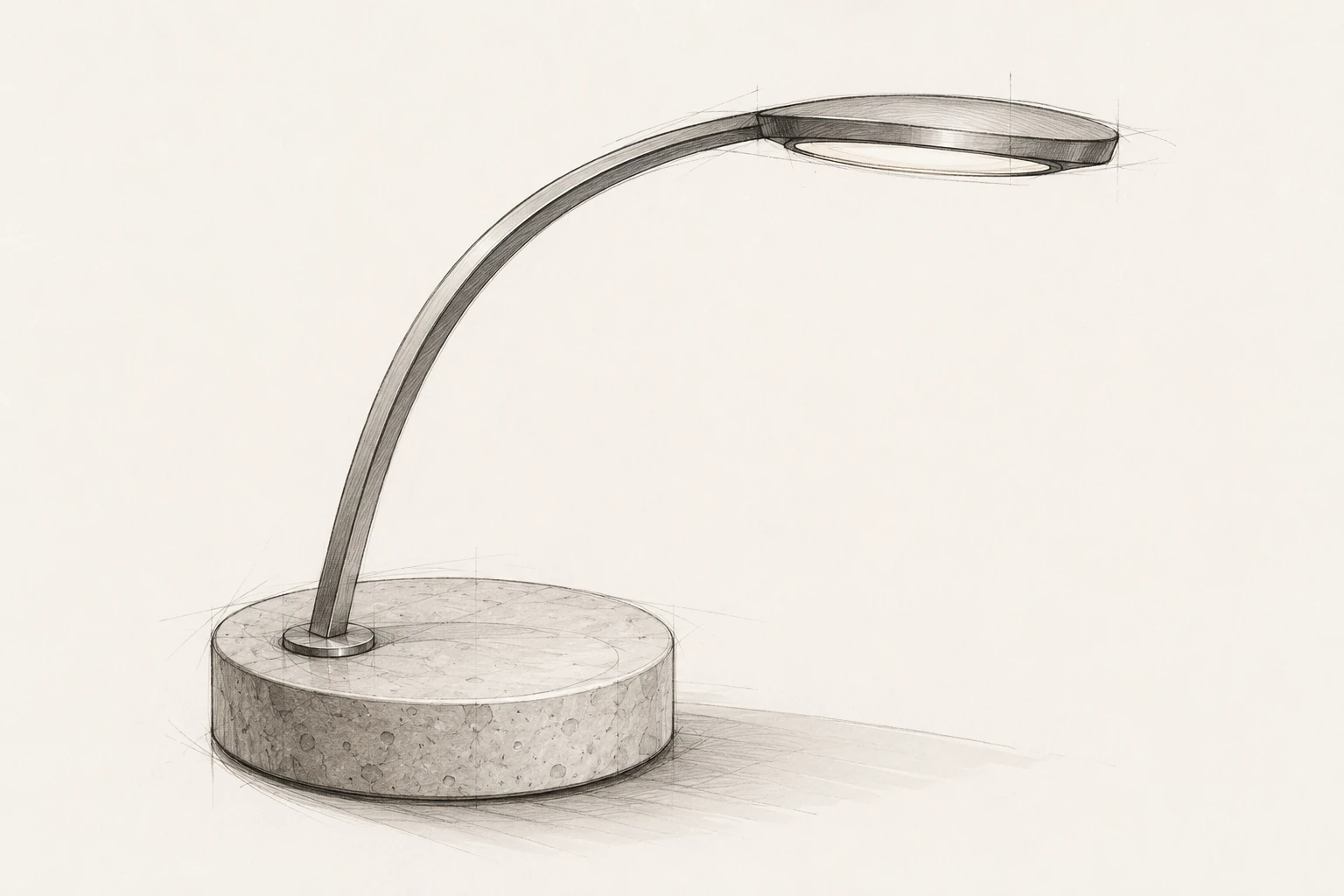
Klein 4B turned the product sketch into a material-specific studio render.
Two references · FLUX.2 [klein] 4B
BEFORE
AFTER
100%
Reference
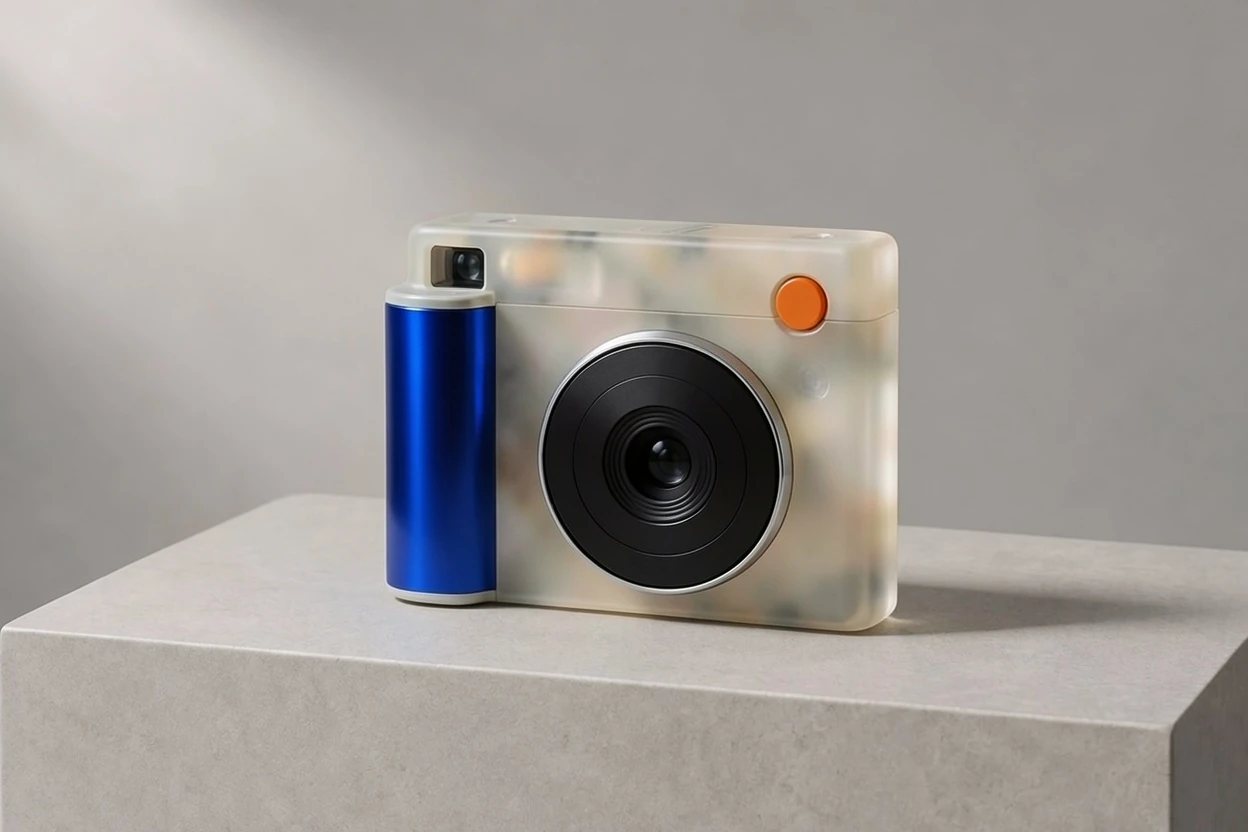
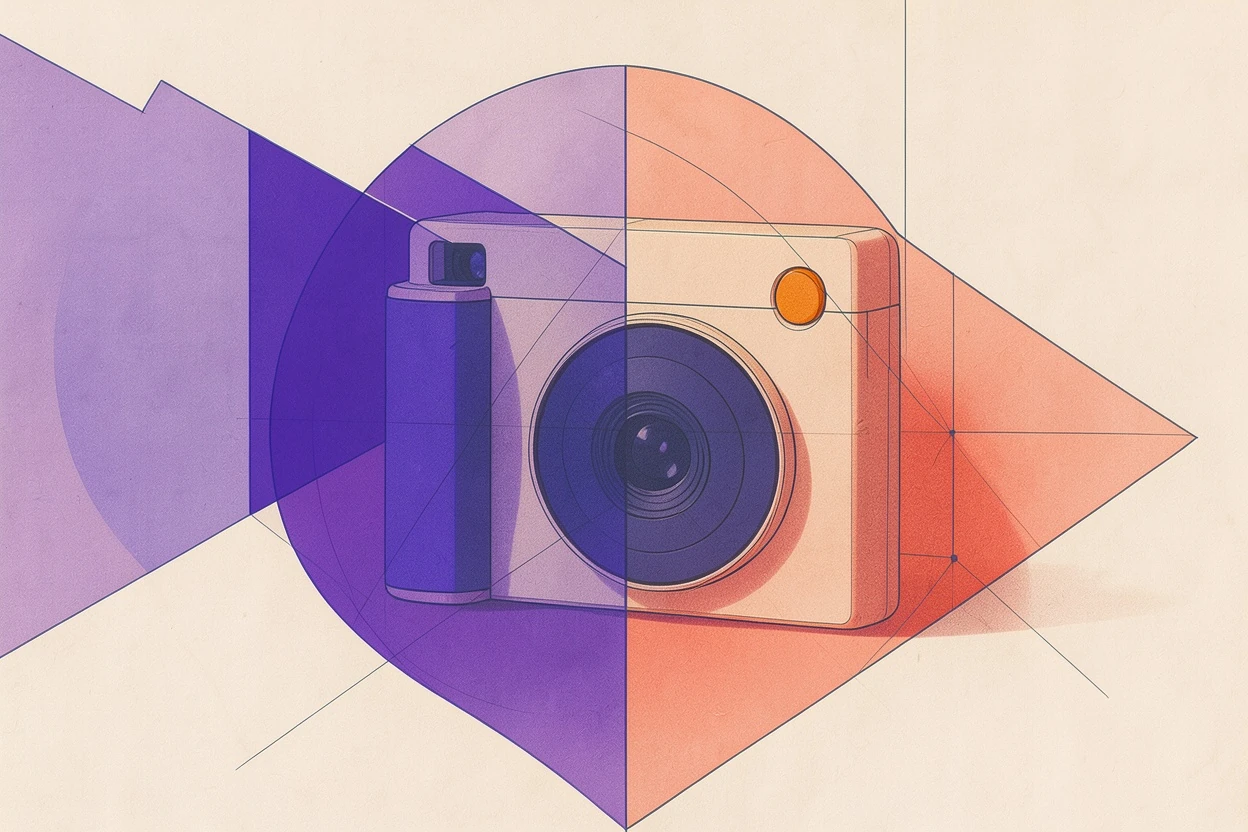
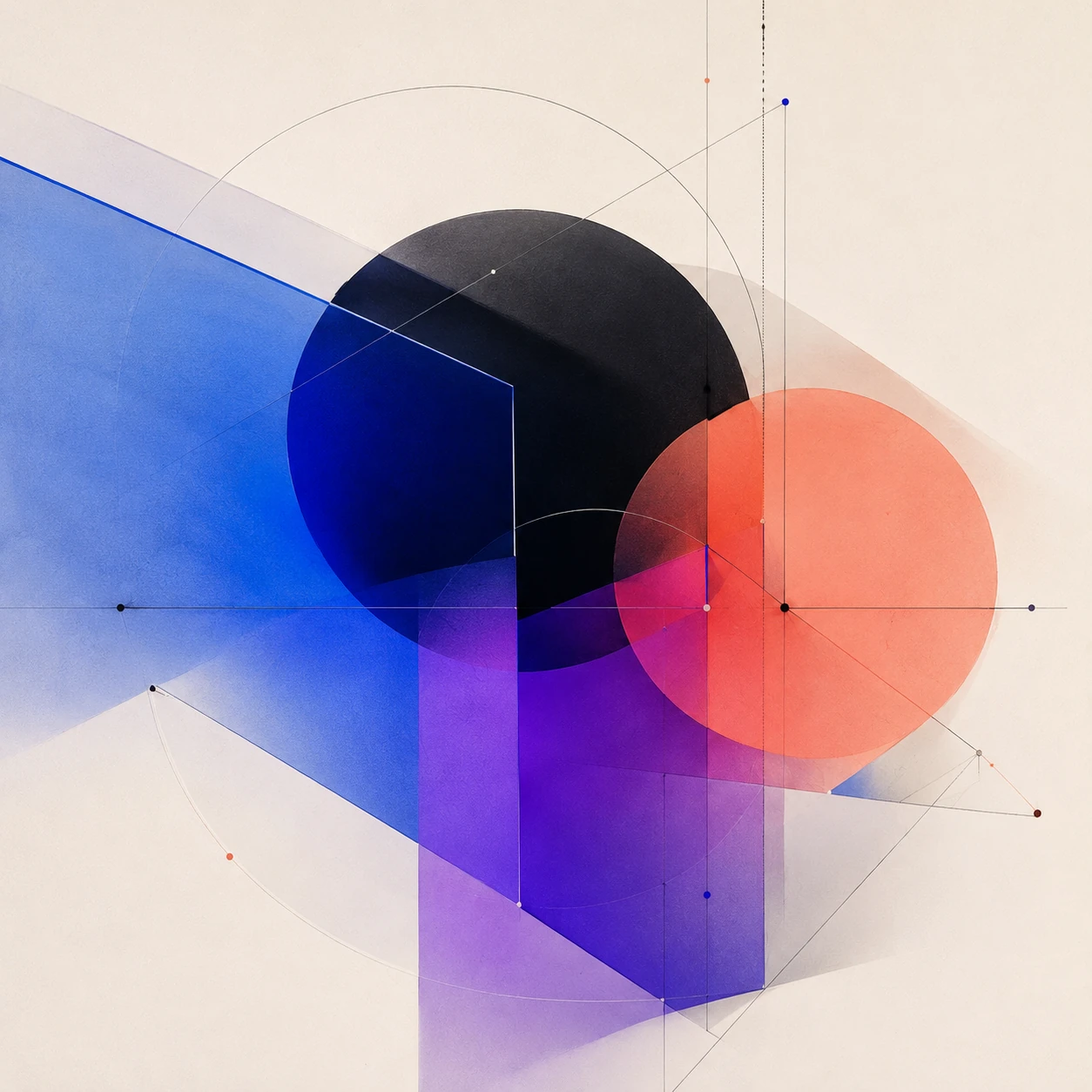
A two-reference edit: camera geometry from one image and visual language from another.
Identity-preserving edit · FLUX.2 [pro]
BEFORE
AFTER
100%
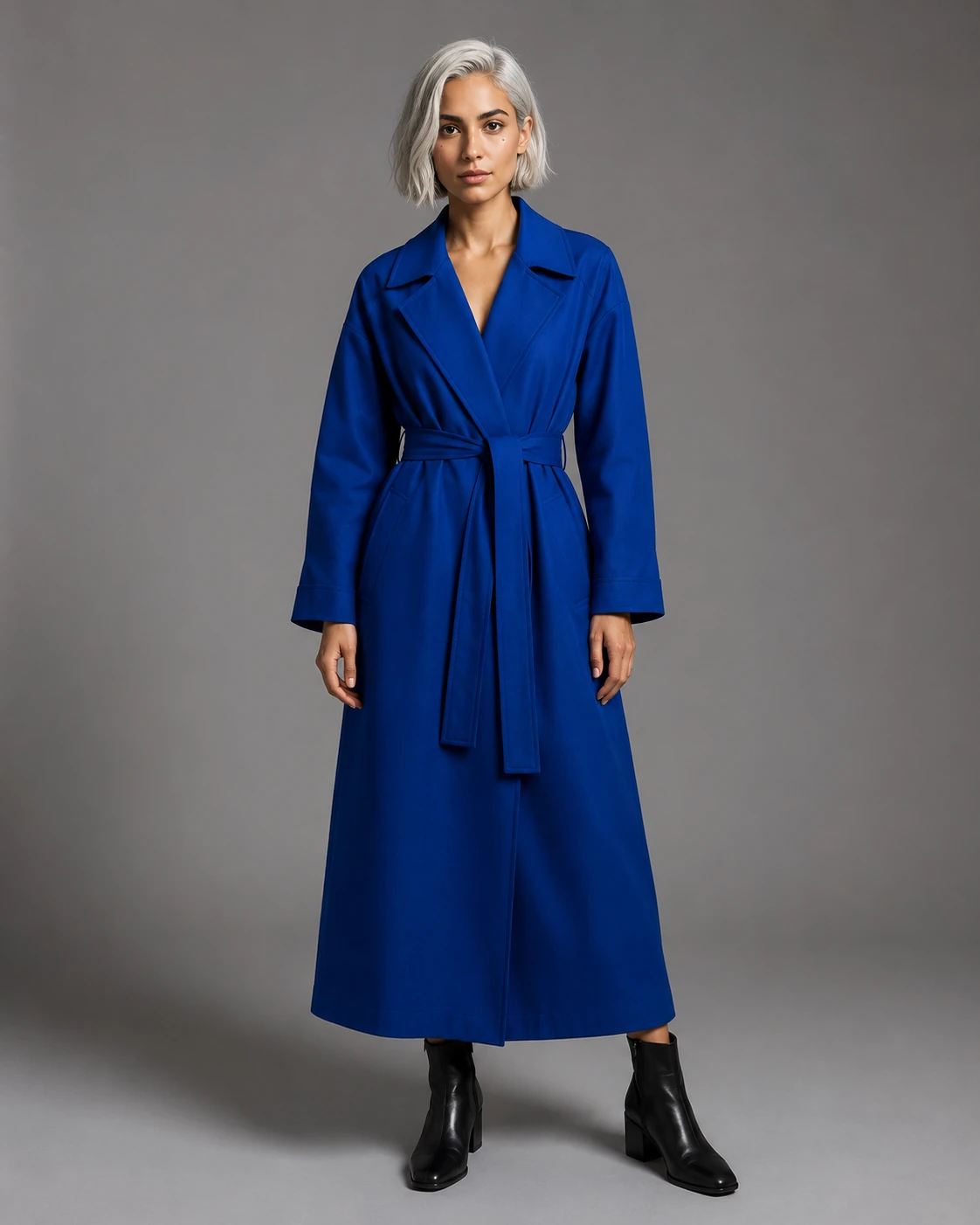
Pro changed the wardrobe and environment while preserving the source identity.
Label-preserving edit · FLUX.2 [flex]
BEFORE
AFTER
100%
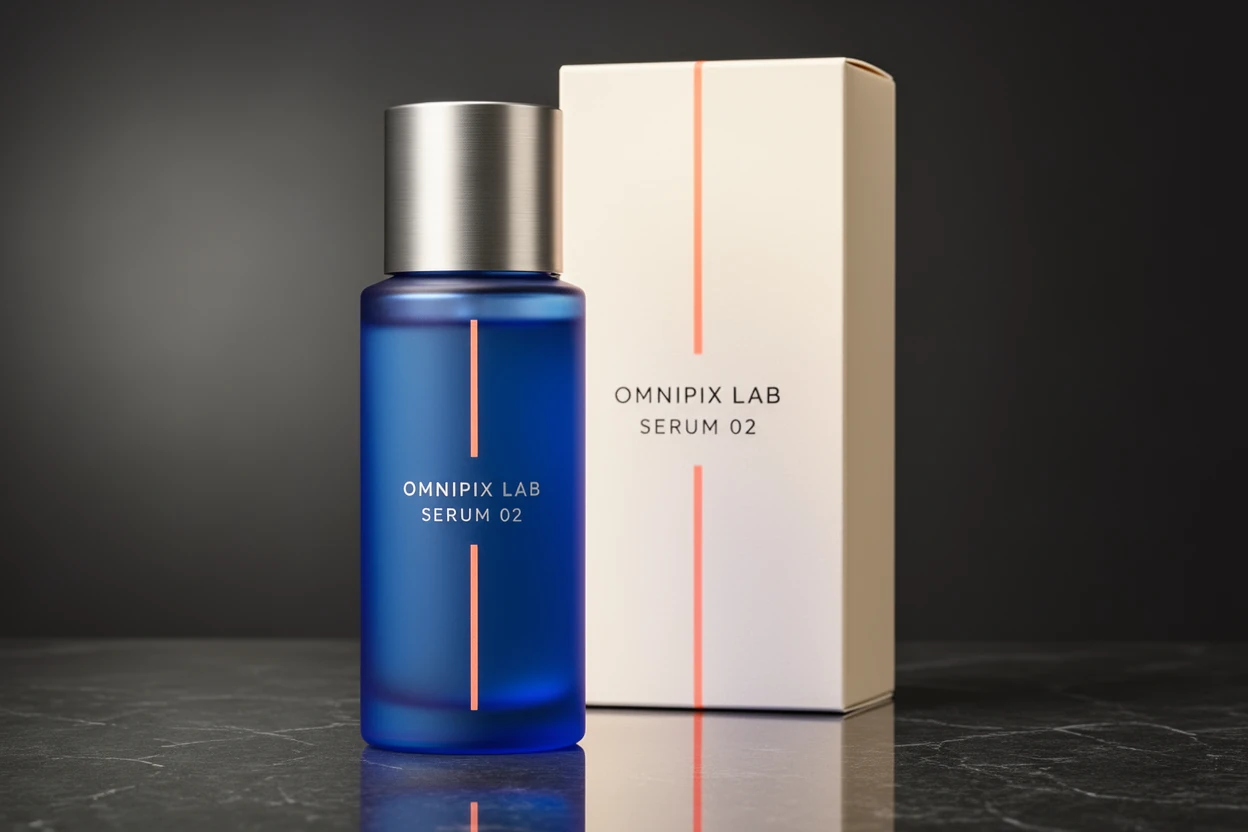
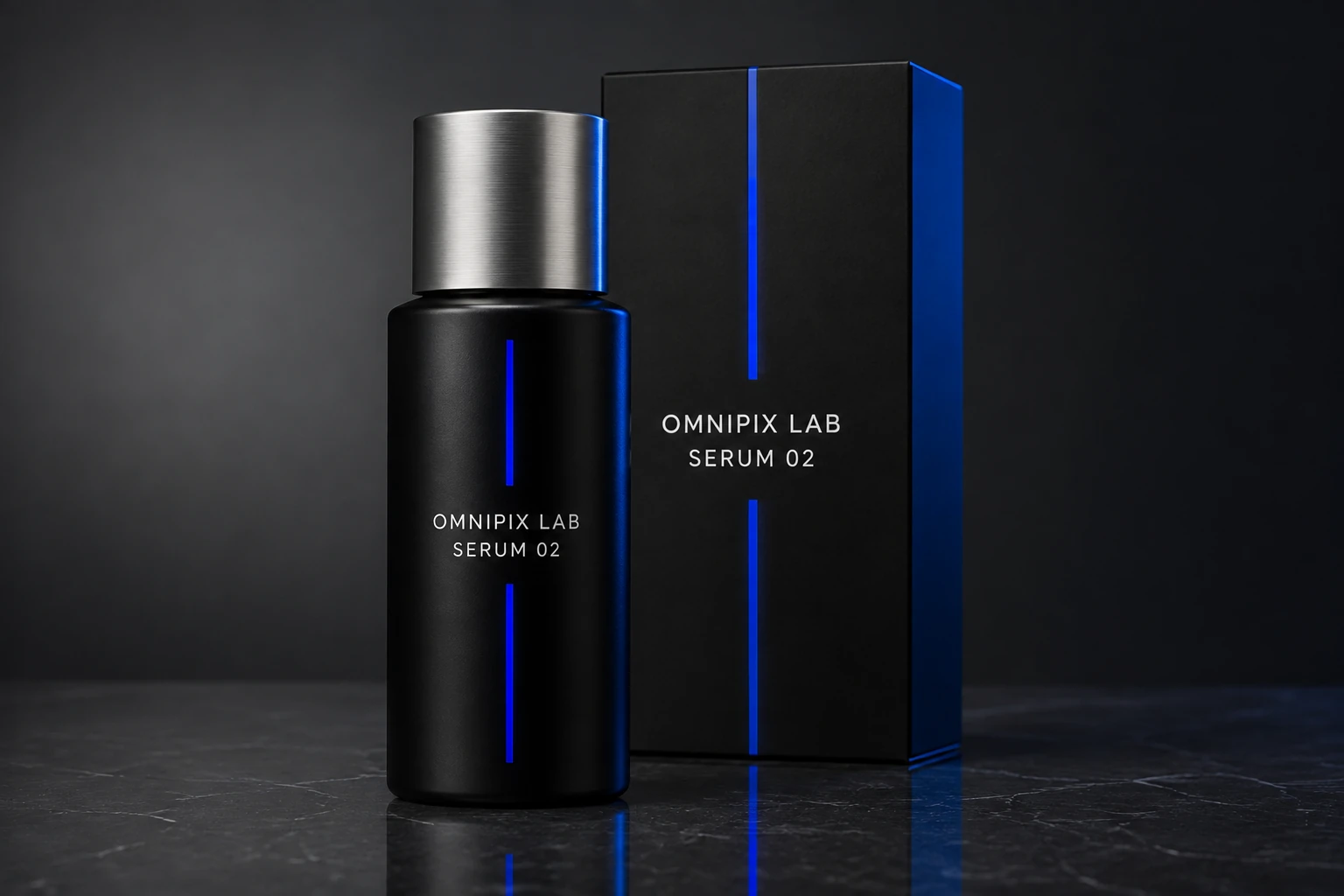
Flex changed the packaging materials while preserving “OMNIPIX LAB / SERUM 02”.
FLUX.2 Flex
When the image has to spell the words correctly.
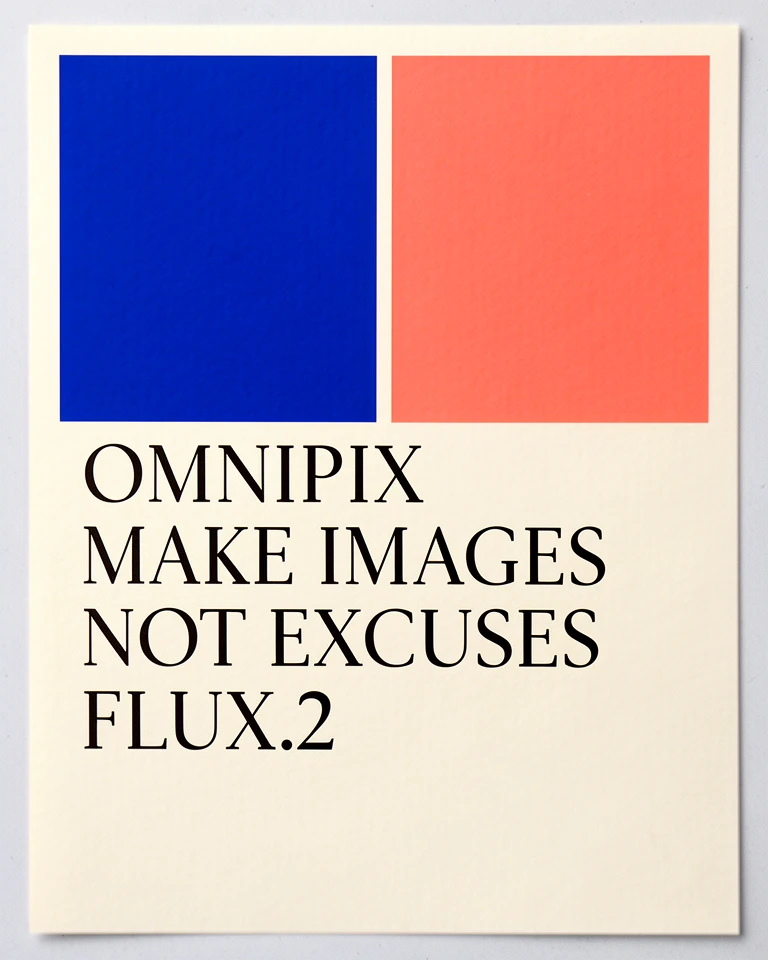
Flex exposes steps and guidance for deliberate tuning. This reviewed result includes all four requested lines with no substituted wording.
A typography-focused FLUX.2 Flex generation with all requested copy preserved.
Better prompts, fewer paid retries
Describe decisions, not just a mood.
State what must stay
For edits, name the geometry, identity, camera position, labels, or colors that may not change.
Assign every reference a role
Say which image controls the subject, style, composition, material, or environment.
Quote visible text exactly
Provide the wording, line breaks, placement, hierarchy, and whether any other text is forbidden.
Draft before moving up
Settle composition in Klein 4B, then use Pro, Flex, or Max only for the final constraint the draft cannot meet.
Questions
Choosing and pricing FLUX.2
Why can Klein 4B cost only 0.8 credits?
Its active Omnipix price is calculated per image megapixel. The number shown on this page comes from the same live pricing evaluator used before generation, not from editorial copy.
Does editing also cost 0.8 credits?
Not necessarily. Reference editing processes both the uploaded images and the output, so its price depends on their actual megapixel counts. The workspace calculates the exact total before you start.
Which FLUX.2 model should I start with?
Start with Klein 4B for exploration and volume. Move to Klein 9B for more fast detail, Pro for general production, Flex for typography and tunable control, or Max for the highest-end final pass.
Are these official Black Forest Labs examples?
No. The examples on this landing were generated and reviewed in Omnipix. They are shown with the model variant used, and the comparison row uses the same prompt for all five variants.
Start cheap. Upgrade only when the image earns it.
Open Klein 4B with the model already selected, create a one-megapixel draft, and keep the rest of the FLUX.2 family one click away.